Español
 日本語
日本語 Deutsch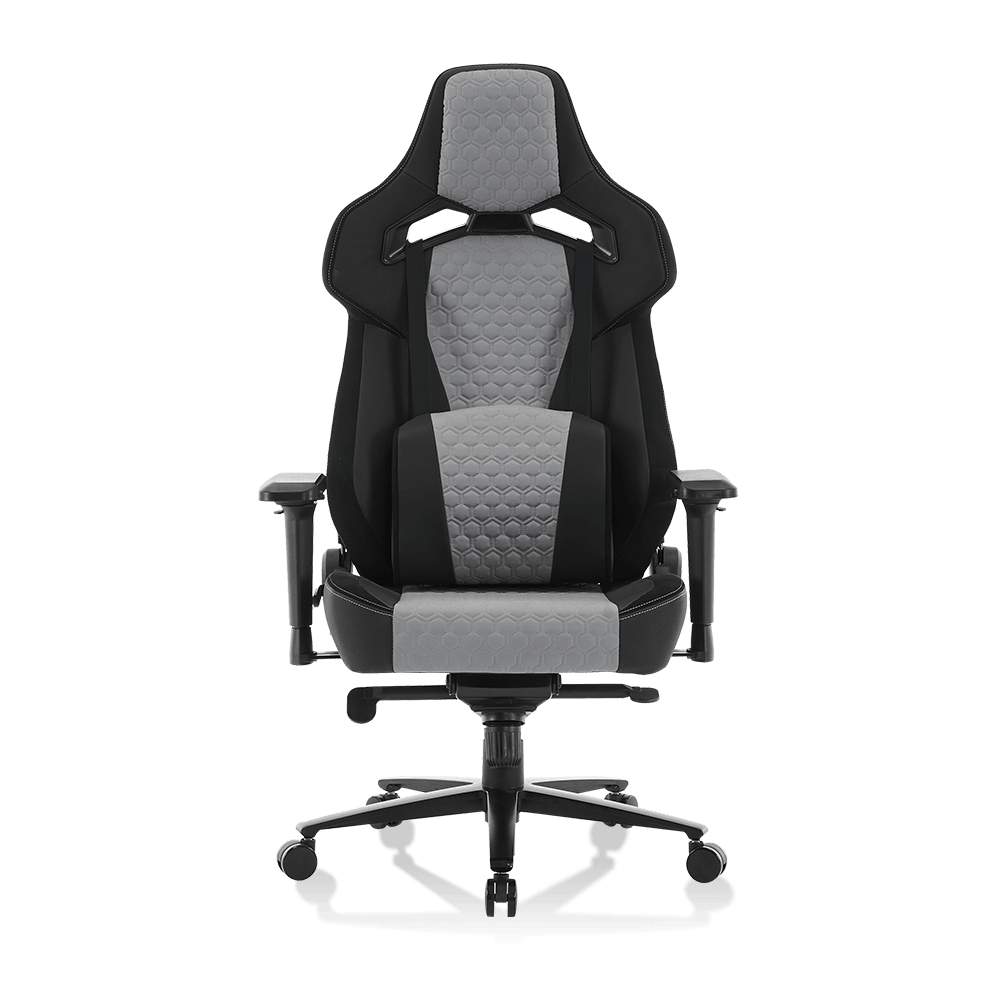

Article Directory
- 1 What Features Make a Computer Gaming Chair Comfortable for Long Hours
- 2 Gaming Chairs vs. Office Chairs: Posture and Back Support Compared
- 3 How to Choose an Ergonomic Computer Gaming Chair for Extended Sessions
- 4 Do Gaming Chairs Help Reduce Back and Neck Pain During Computer Use
- 5 What Is the Ideal Lumbar Support Design in a Computer Gaming Chair
- 6 How Durable Are Computer Gaming Chairs for Daily Heavy Use
- 7 Frequently Asked Questions
A quality computer gaming chair does more than signal your setup — it determines whether you finish a four-hour session energized or hunched in pain. With the average dedicated PC gamer logging over 7 hours of seat time per day according to Statista's 2024 gaming survey, the ergonomic performance of your chair is a genuine health investment, not an aesthetic one.
7+ hrs Average daily seated gaming time for dedicated PC players
80% Of adults who report back pain cite prolonged sitting as a primary trigger
4D Armrest adjustment axes found in premium ergonomic gaming chairs
What Features Make a Computer Gaming Chair Comfortable for Long Hours
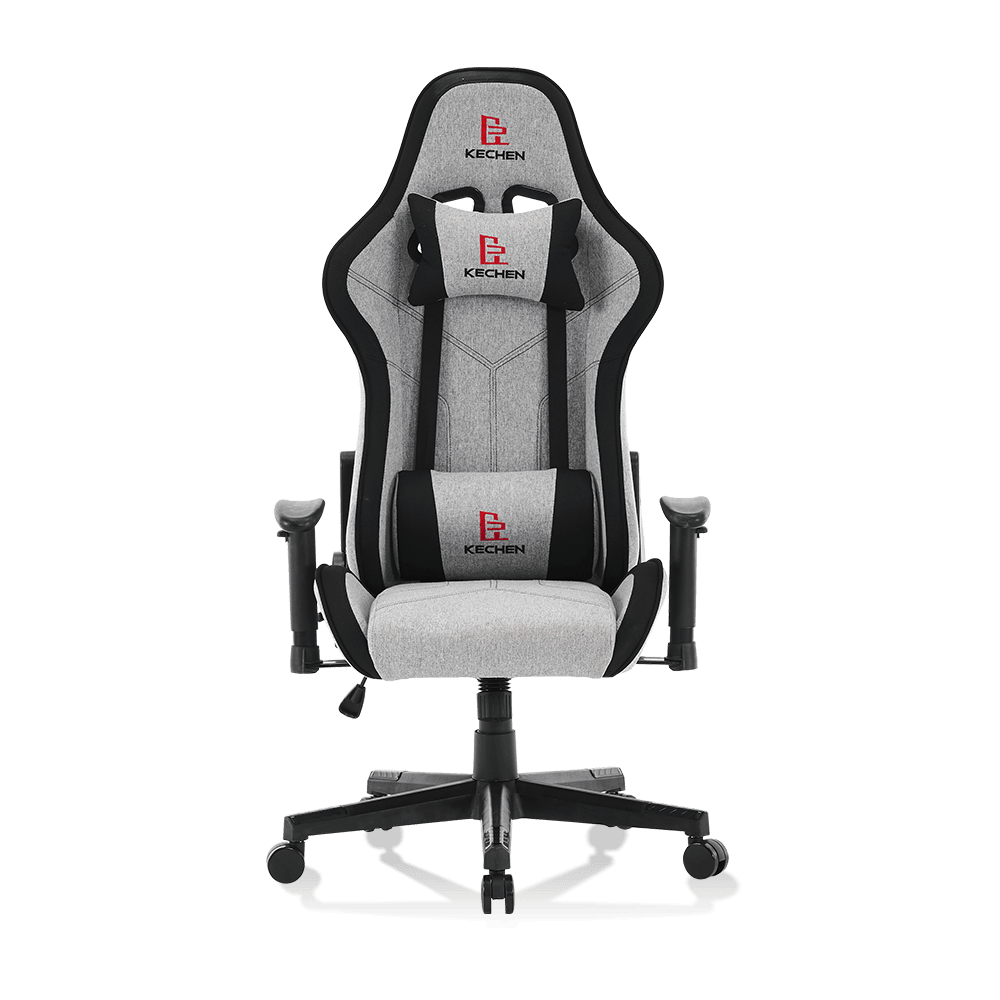
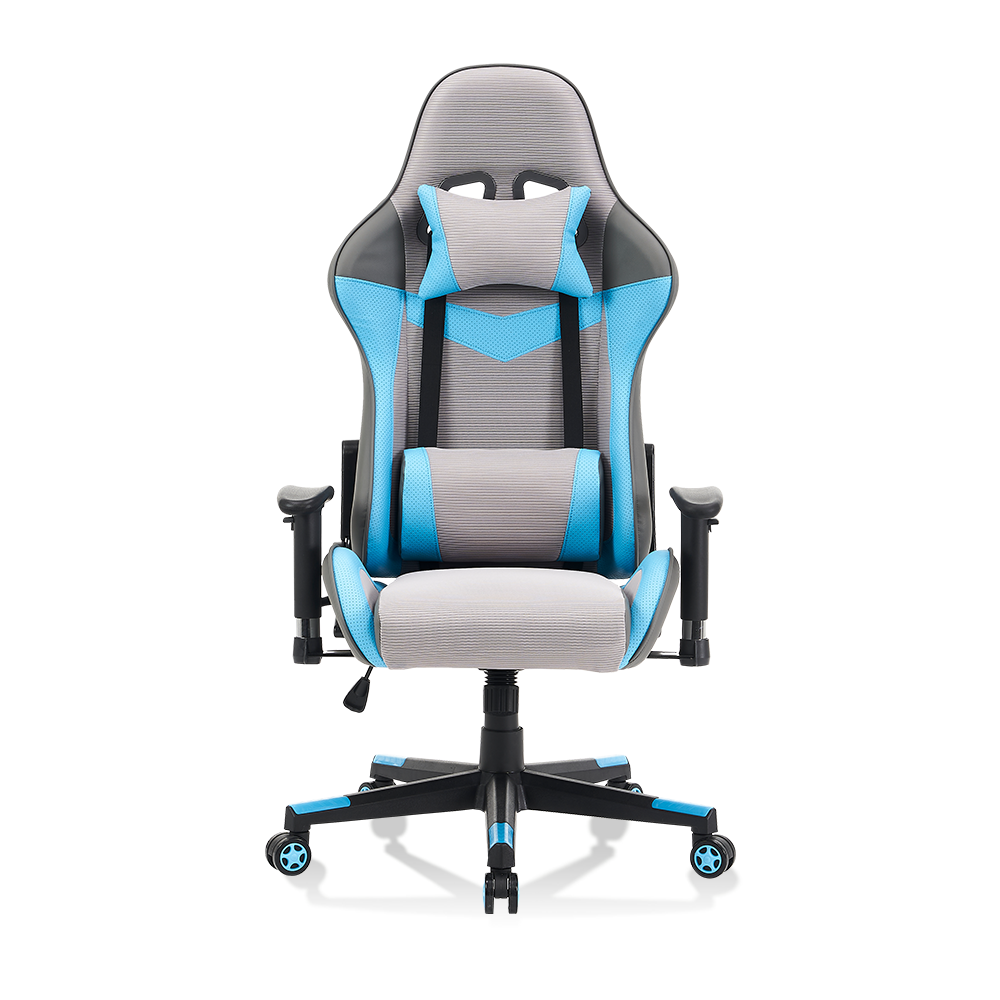
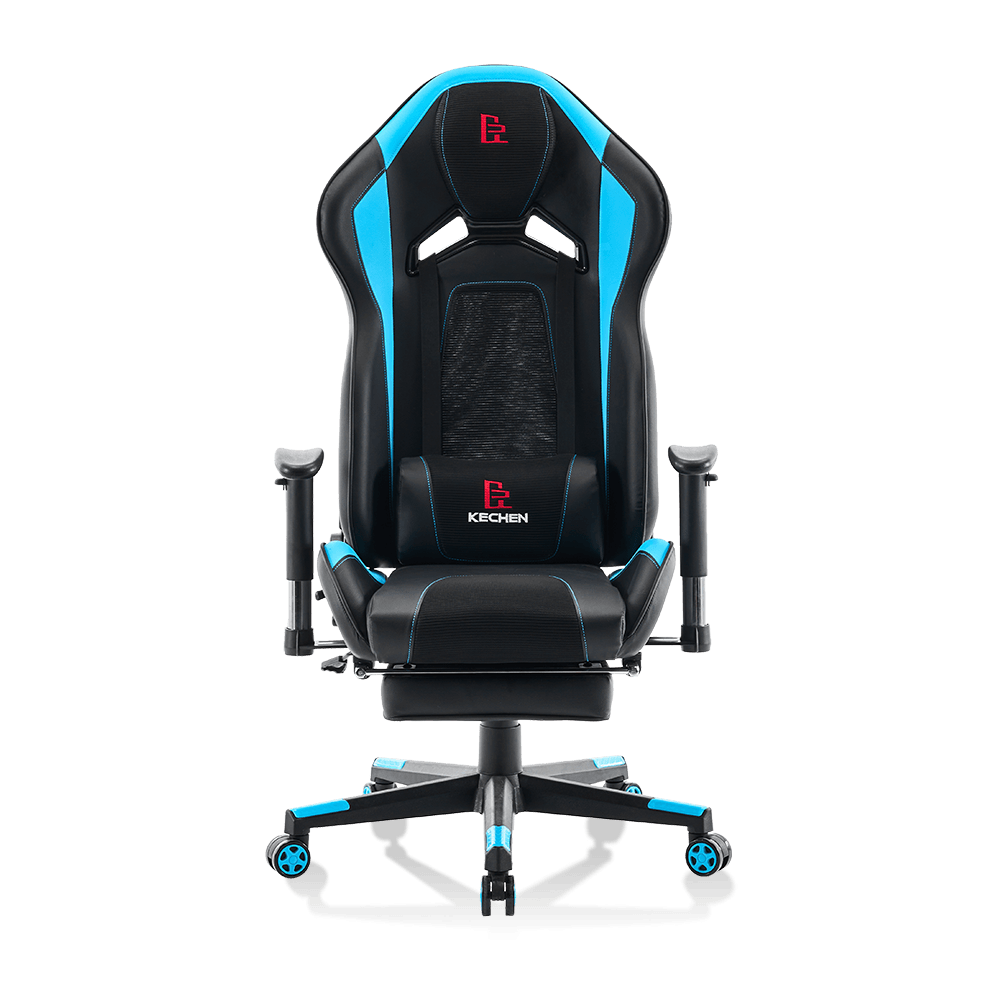
Long-session comfort in a computer gaming chair comes from a stack of interdependent features — no single component carries the load alone. The chairs that hold up across marathon sessions consistently share six core design elements.
- High-density cold-cure foam — Cheap chairs use low-resilience foam that compresses permanently within months. Cold-cure foam rebounds to its original shape after each session, maintaining consistent support density for 3 to 5 years of daily use.
- Adjustable lumbar and neck pillows — Fixed lumbar support fits one spine geometry. Adjustable pillows — ideally with height and depth control — accommodate the full range of body types and sitting postures without forcing a single "correct" position.
- Recline range of 90 to 165 degrees — Orthopedic research from the Spine Journal (2006) found that a 135-degree recline angle minimizes lumbar disc pressure compared to upright sitting. A wide recline range lets you shift posture without leaving the chair.
- 4D armrests — Arms that adjust in height, depth, lateral angle, and pivot eliminate the shoulder elevation that causes trapezius fatigue during extended keyboard and mouse sessions.
- Seat depth adjustment — The seated thigh should have two to three fingers of clearance from the seat edge. A sliding seat pan accommodates leg lengths from roughly 16 to 22 inches without restricting circulation.
- Breathable cover material — Mesh or perforated PU leather manages heat buildup significantly better than standard vinyl. A 2022 thermal comfort study found seated surface temperature rises 4 to 6 degrees Celsius over two hours in non-ventilated seats.
Gaming Chairs vs. Office Chairs: Posture and Back Support Compared
Gaming chairs and premium office chairs both target extended sitting — but they approach back support from fundamentally different philosophies. Understanding the difference helps you choose the right tool for your posture profile.
Computer Gaming Chair
- Bucket seat with pronounced bolsters cradle the body during active, forward-leaning gaming posture
- External lumbar and headrest pillows are adjustable and removable
- High backrest supports shoulders and upper back — ideal for those who recline while gaming
- Racing-style aesthetics; wide recline range up to 165 degrees
- Generally lower price entry point for adjustable features
Premium Office Chair
- Open seat design and mesh back allow greater freedom of movement throughout the day
- Built-in adjustable lumbar mechanism with precise depth and height control
- Designed for upright productivity posture; less suited for reclined gaming
- Professional appearance; typically narrower recline range (up to 120 degrees)
- Premium ergonomic models (Herman Miller, Steelcase) carry significantly higher price tags
The practical verdict: a well-specified computer gaming chair outperforms a budget office chair on back support. It matches — and in recline range, exceeds — mid-range office chairs for gaming-specific posture demands.
How to Choose an Ergonomic Computer Gaming Chair for Extended Sessions
Choosing the right ergonomic computer gaming chair requires matching the chair's adjustment range to your body measurements before evaluating any other feature. Follow this prioritized selection sequence.
Measure your body first — Record your height, inseam length, shoulder width, and weight. Cross-reference these against the chair's stated height range, seat width, seat depth, and weight capacity. A chair outside your range cannot be adjusted into fitness.
Prioritize lumbar adjustability — Fixed lumbar pads fit roughly 30% of users well. Look for chairs where the lumbar pillow adjusts vertically by at least 3 inches and the firmness or depth is independently controllable.
Verify seat height range — Your feet should rest flat on the floor with knees at 90 degrees. Standard gas lift cylinders cover roughly 16 to 20 inches; taller users should look for chairs specifying a tall-frame or XL cylinder.
Test or inspect the foam density — Press the seat cushion firmly. High-density foam (40 to 50 kg/m3) resists full compression under hand pressure. Foam that bottoms out immediately will offer no support after 60 minutes of seated weight.
Confirm armrest range — At minimum, armrests should adjust in height to position forearms parallel to the desk surface. 4D adjustment eliminates the need to compensate with shoulder or wrist positioning.
Do Gaming Chairs Help Reduce Back and Neck Pain During Computer Use
A properly adjusted computer gaming chair reduces back and neck pain by maintaining the three natural spinal curves — cervical, thoracic, and lumbar — that collapse in unsupported seating. A 2019 study in the International Journal of Environmental Research and Public Health found that ergonomic chair interventions reduced reported lower back pain intensity by 33% in office workers over a 12-week period.
The lumbar curve is the first to flatten under gravitational load during seated forward posture. Every 30 minutes of unsupported sitting increases intradiscal pressure at L4-L5 by an estimated 40% compared to standing — making consistent lumbar support the most clinically significant feature in any extended-use seating.
Source: Wilke et al., Spine Journal, peer-reviewed biomechanics dataNeck pain specifically responds to headrest positioning. The headrest on a gaming chair should contact the occipital ridge — not the mid-cervical spine — while the head is in a neutral, eyes-forward position. Mispositioned headrests that push the head forward actively worsen cervicogenic pain.
What Is the Ideal Lumbar Support Design in a Computer Gaming Chair
Ideal lumbar support in a computer gaming chair fills the natural inward curve of the lower back (lordosis) without forcing an exaggerated arch. The clinical target is a lumbar support depth of 40 to 50 mm positioned between the iliac crest and the bottom of the ribcage — roughly the L2 to L4 vertebral range for most adults.
| Lumbar Feature | Entry-Level Gaming Chair | Mid-Range Gaming Chair | Premium Gaming Chair |
| Support type | Fixed foam pillow | Adjustable pillow (height) | Built-in adjustable mechanism |
| Depth adjustment | None | Limited (strap tension) | Precise (knob or dial) |
| Vertical range | Fixed | 2 to 3 inches | 3 to 5 inches |
| Best suited for | Short sessions under 2 hrs | Sessions up to 4 hours | All-day use, 6+ hours |
How Durable Are Computer Gaming Chairs for Daily Heavy Use
A well-constructed computer gaming chair built for heavy daily use should maintain structural and cushion integrity for 3 to 5 years under continuous 8-hour-per-day loading. Durability is determined almost entirely by three components: the base and caster assembly, the gas lift cylinder, and the foam density.
- Steel base vs. aluminum base — A 5-star aluminum alloy base handles 400 lbs of dynamic load without fatigue cracking. Nylon bases rated under 250 lbs fail prematurely under heavy users and lateral rocking forces.
- Class 4 gas lift cylinder — Class 4 hydraulic cylinders are rated for commercial use (8+ hours daily) and carry a typical 5-year service life. Class 3 cylinders in budget chairs are rated for light residential use only.
- PU leather vs. fabric — High-grade PU leather (0.9 mm+) resists peeling and abrasion through approximately 100,000 flex cycles per ASTM D7771 testing. Thin PU coatings under 0.6 mm begin delaminating within 12 to 18 months of daily use.
- Foam recovery rate — Cold-cure foam rated at 40+ kg/m3 retains 90% of its original height after 75,000 compression cycles. Low-density foam at 25 kg/m3 loses 20 to 30% of its height within the first year.
Frequently Asked Questions
How long should I sit in a gaming chair before taking a break?
Even in a well-adjusted computer gaming chair, orthopedic guidelines recommend standing and moving for 5 to 10 minutes every 45 to 60 minutes of seated time. Prolonged static posture — regardless of chair quality — reduces spinal disc nutrition through reduced fluid exchange. Set a timer and use breaks to reset posture and relieve hip flexor compression.
Can a gaming chair fix poor posture?
A gaming chair provides the support infrastructure for good posture — it does not enforce it. Users who habitually slouch will do so in any chair. The chair's role is to make the neutral, supported position the path of least resistance. Combining proper chair adjustment with deliberate posture awareness produces measurably better outcomes than either alone.
What weight capacity should I look for in a gaming chair?
Always choose a chair rated at least 20% above your body weight to account for dynamic loading from shifting, leaning, and occasional impact. A 200 lb user should select a chair rated for at least 240 lbs. Heavy-duty gaming chairs built on reinforced steel frames extend this range up to 400 to 500 lbs with appropriately rated casters and cylinders.
Is leather or fabric better for a gaming chair used daily?
Fabric and mesh covers breathe significantly better than PU leather, reducing heat and moisture buildup during long sessions. PU leather is easier to clean and more resistant to staining. For daily sessions exceeding 4 hours in warmer environments, breathable fabric or mesh is the more comfortable long-term choice. In cooler spaces where easy maintenance matters more, quality PU leather performs reliably for years.