Español
 日本語
日本語 Deutsch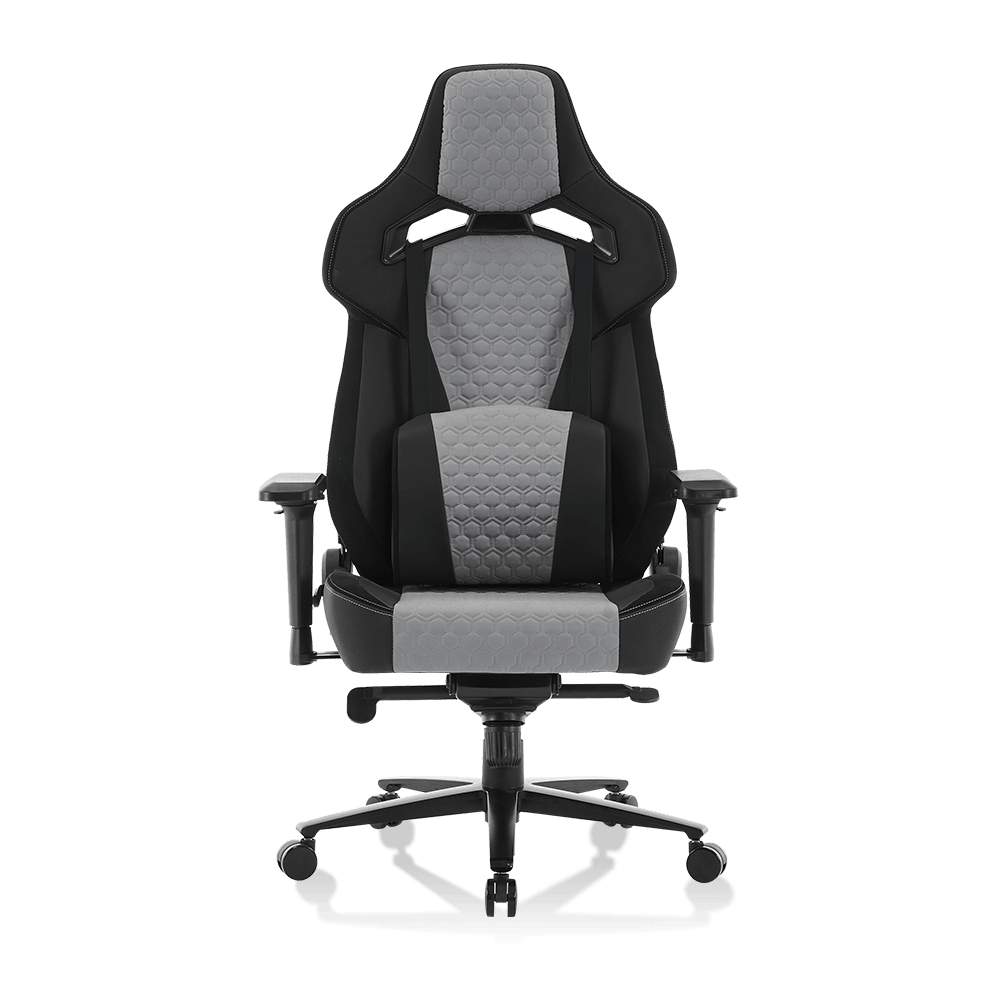

Article Directory
The Complete Buyer & Owner Reference
Millions of gamers sit for 6 to 10 hours a day. Whether a gaming chair protects your spine or simply looks good is a question worth answering with facts — not marketing copy. This guide covers posture mechanics, honest health comparisons, and the replacement timeline most owners ignore until it is too late.
65% of gamers report back pain after sessions exceeding 3 hours
2–3yr average foam degradation timeline under daily heavy use
4" forward head lean caused by every inch of screen-forward posture
Are Gaming Chairs Good for Posture?
The honest answer is: it depends entirely on how the chair is adjusted and how it is used. A gaming chair is not inherently good or bad for posture — its design features create the potential for proper spinal alignment, but that potential is only realized when the chair is correctly configured for the individual sitting in it.
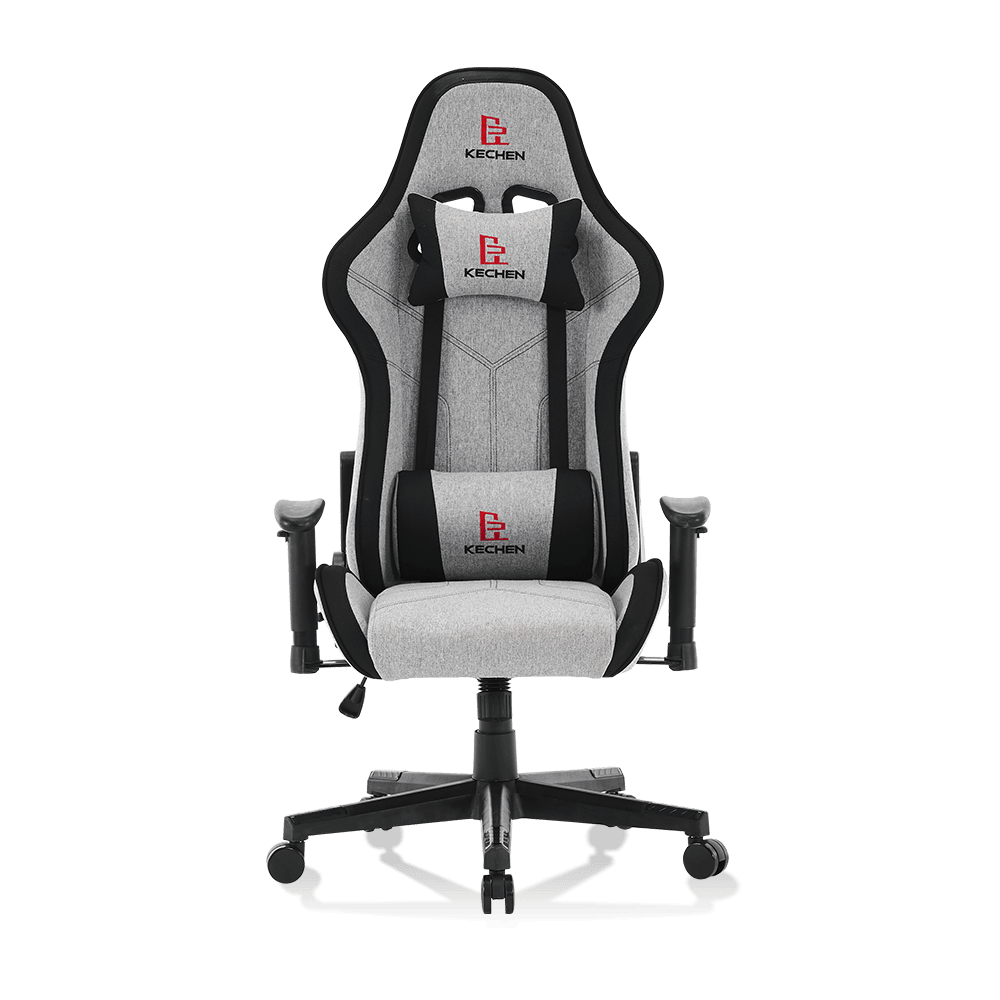
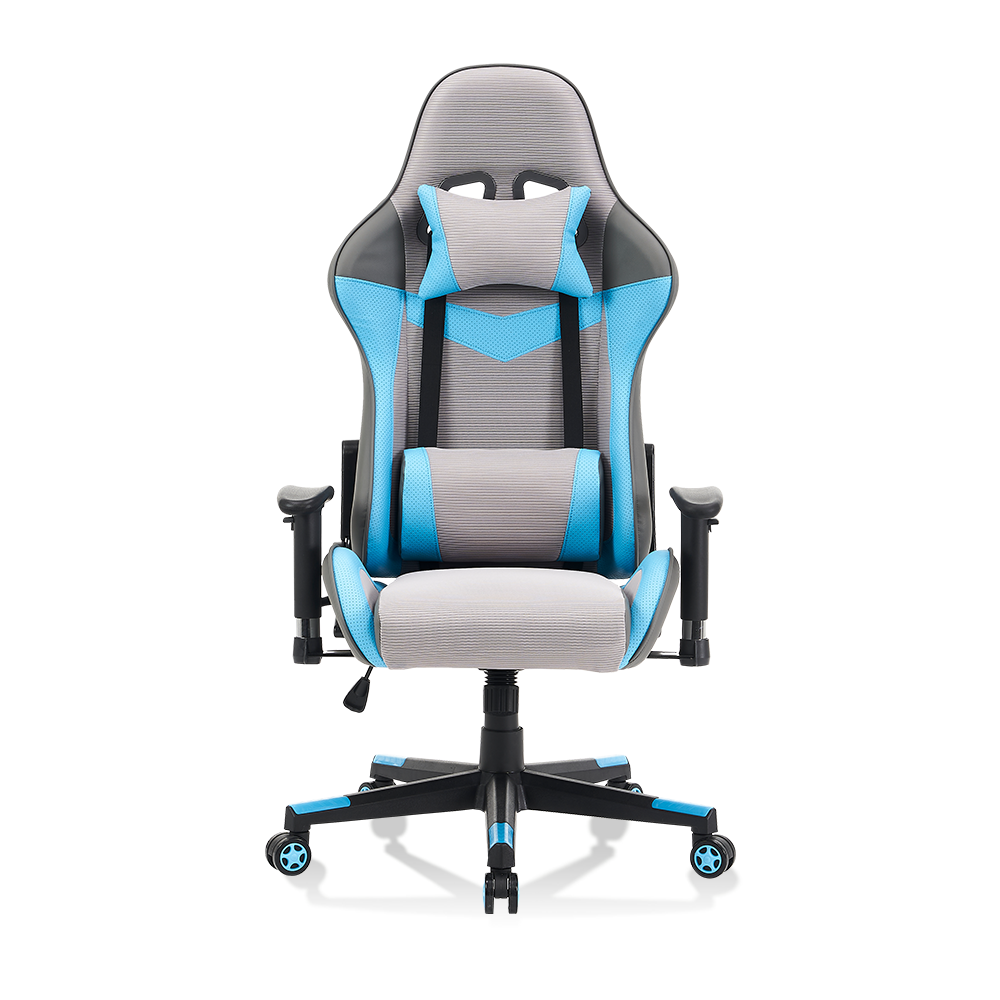
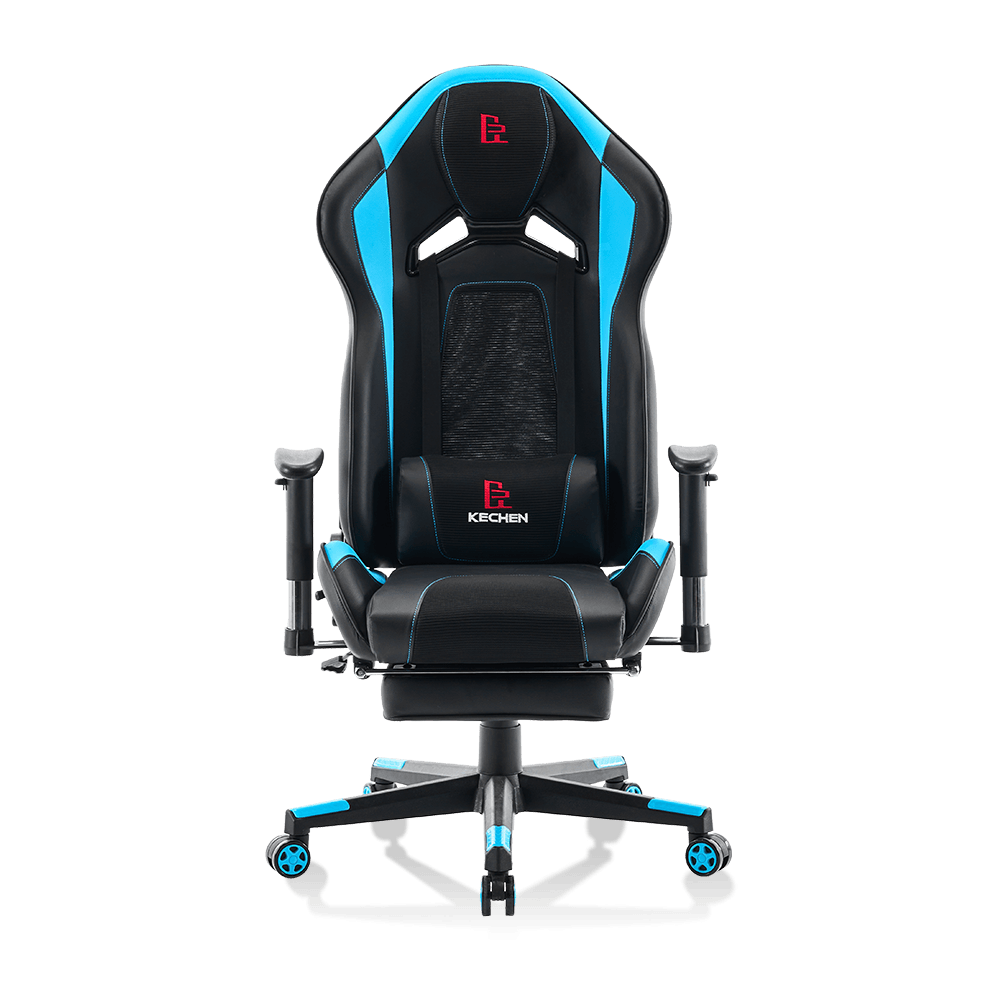
The core posture-supporting features built into most gaming chairs are:
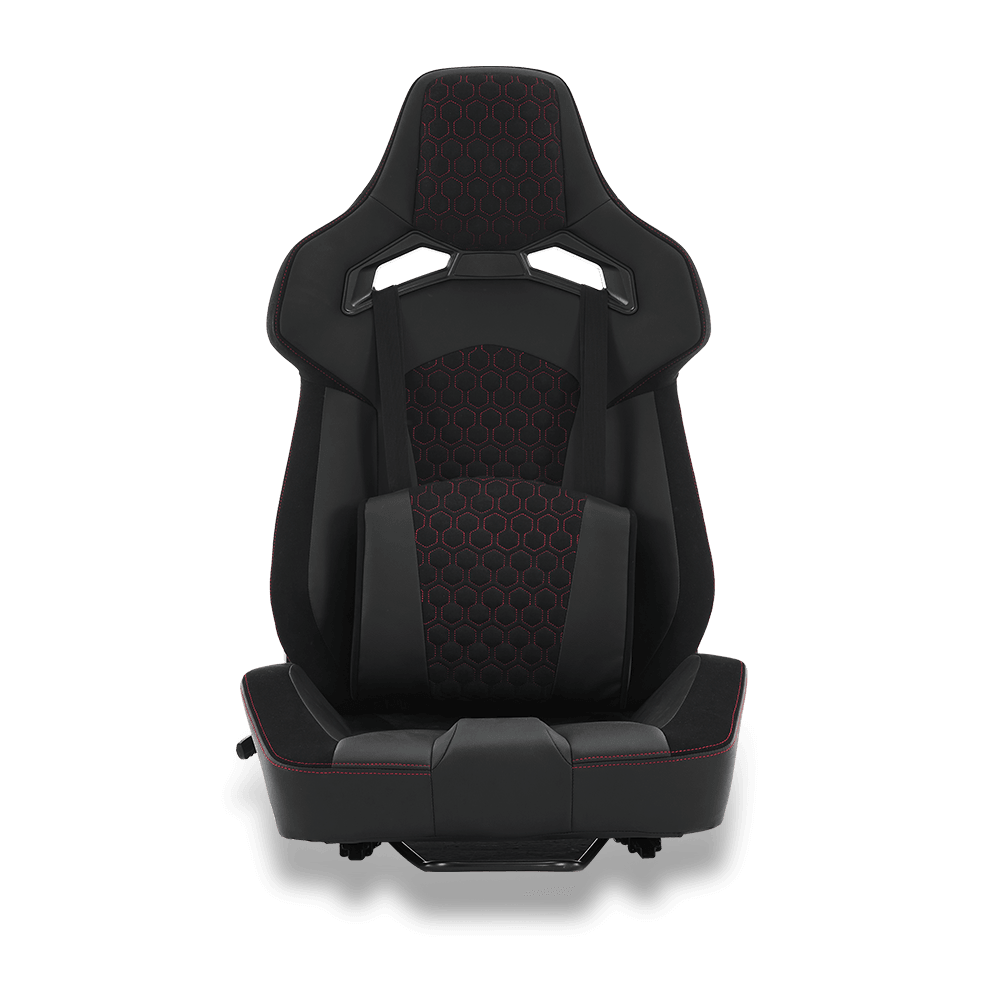
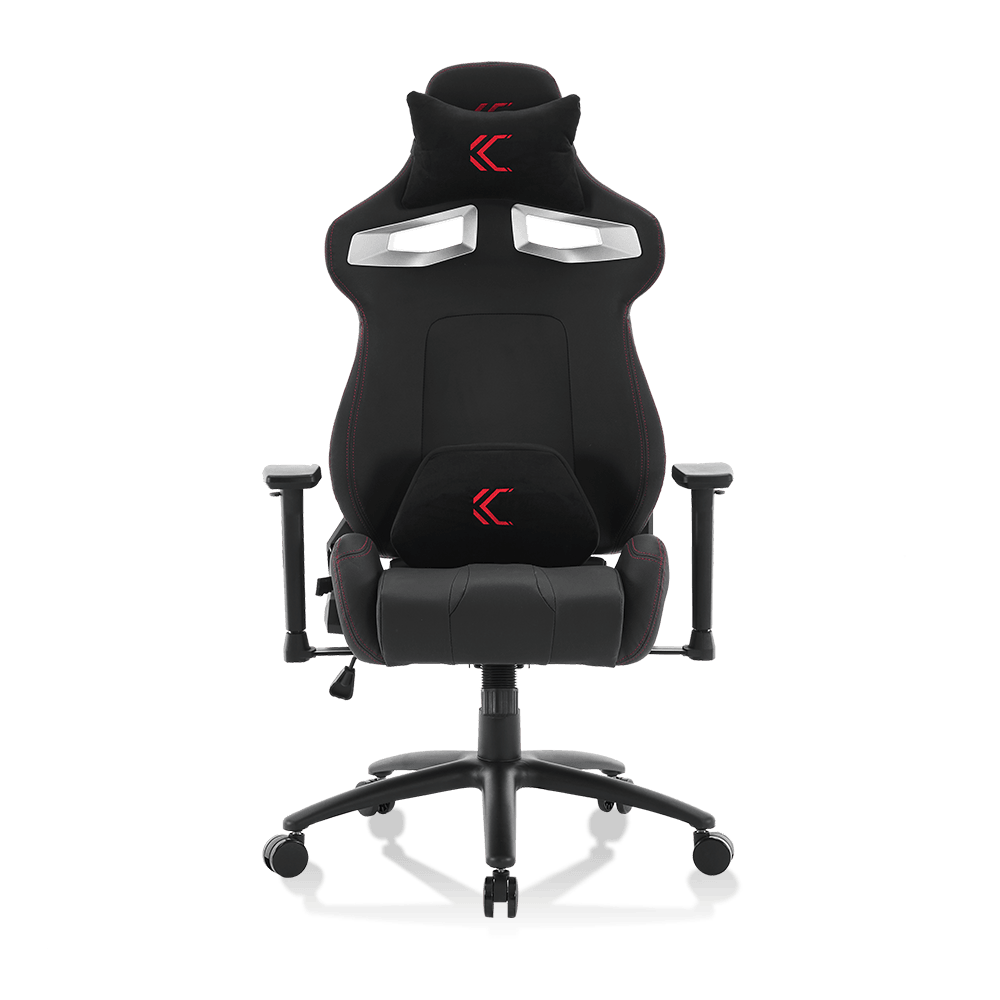
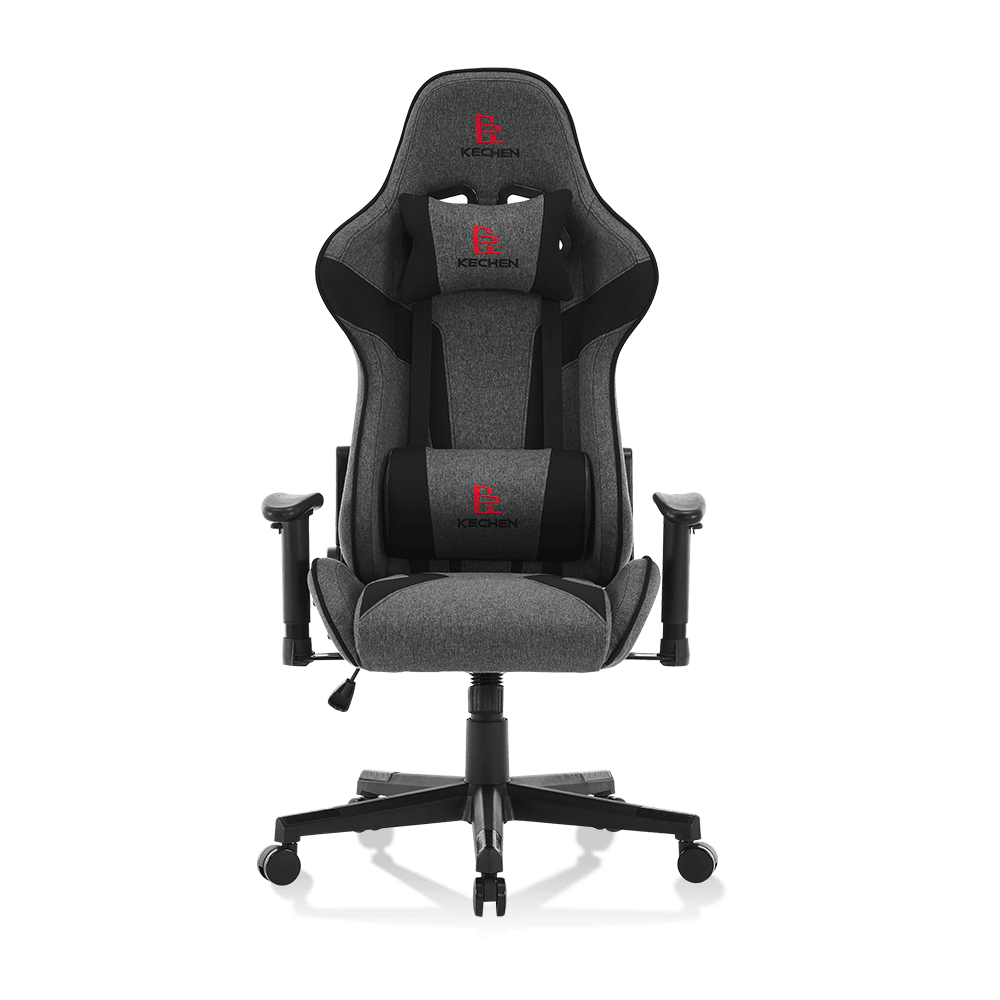
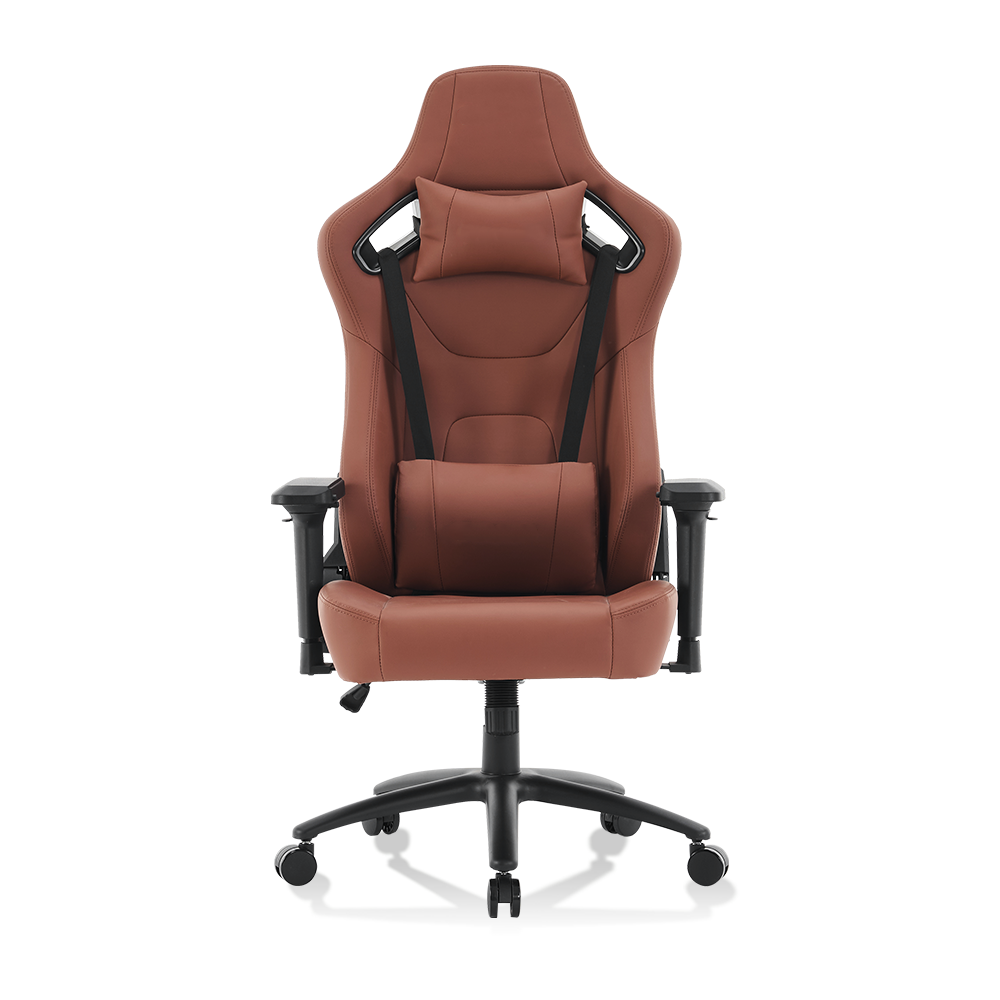
Lumbar Pillow
Fills the natural inward curve of the lower spine, preventing the pelvis from tilting backward into a slouch. A 2019 study in Applied Ergonomics found lumbar support reduced lower back muscle activation by 22% during sustained sitting.
High Winged Backrest
Extends to shoulder height or above, discouraging lateral lean and supporting the thoracic spine during extended sessions. Most office chairs stop at mid-back height, leaving the upper spine unsupported.
Adjustable Armrests (4D)
Allow the elbows to rest at desk height, reducing shoulder elevation and upper trapezius tension — a common source of neck and shoulder pain in long gaming sessions.
Reclining Backrest
Enables periodic position changes between upright (90–100 degrees) and reclined (110–135 degrees), distributing spinal load across different muscle groups. Static posture — not just bad posture — is a primary driver of musculoskeletal pain.
Research verdict
A properly adjusted gaming chair with active lumbar support performs comparably to a mid-range ergonomic office chair for posture support. However, a gaming chair left on factory settings — lumbar pillow in the wrong position, armrests too low, seat height unadjusted — offers no measurable posture benefit over a basic desk chair.
Do Gaming Chairs Help Posture — or Is That Just Marketing?
This question goes deeper than whether the chair has lumbar support. It asks whether the design philosophy of a gaming chair actually promotes healthy sitting biomechanics over time.
Where Gaming Chairs Help
Bucket seat design prevents lateral sliding, keeping hips centered and pelvis level
Neck pillow reduces forward head posture during cutscenes or passive viewing
Recline range encourages micro-movement, reducing static load on lumbar discs
High backrest contact area distributes thoracic pressure across a larger surface
Where Gaming Chairs Fall Short
Bucket seat bolsters can compress hip flexors if the seat is too narrow for the user
Fixed lumbar pillows cannot match the precision of a built-in adjustable lumbar mechanism
Most models lack seat depth adjustment, forcing shorter users into poor knee-to-hip angles
Foam padding degrades faster than office chair memory foam, reducing support over time
A 2021 review published in the International Journal of Environmental Research and Public Health examined seating posture in esports athletes and found that chair type alone was less predictive of pain outcomes than session length and break frequency. The conclusion: a gaming chair improves posture conditions, but it does not override the fundamental biomechanical cost of sitting for more than 45 minutes without movement.
| Chair Type | Lumbar Support | Seat Depth Adjust | Recline Range | Avg. Price Range |
| Gaming Chair (mid-tier) | Pillow-based, removable | Rarely included | 90–165 degrees | $200–$450 |
| Ergonomic Office Chair | Built-in, adjustable | Standard feature | 90–120 degrees | $350–$900 |
| Budget Desk Chair | None or fixed | Not available | Fixed or 90–100 degrees | $60–$180 |
| Gaming Chair (premium) | Adjustable built-in + pillow | Select models only | 90–180 degrees | $450–$900 |
How Often Should Gaming Chairs Be Replaced?
Most gaming chairs are marketed with a lifespan of 3 to 5 years, but the real answer depends on daily use hours, user weight, and foam quality — not the marketing timeline.
Year 1–2
Peak performance period. Foam maintains original density. Lumbar and neck pillows retain shape. Mechanical components — gas lift, tilt mechanism, casters — operate within rated tolerances. No action required beyond occasional tightening of bolts.
Year 2–3
Early degradation signs. Seat foam begins compressing under daily use. Users over 180 lbs (82 kg) notice seat pan thinning first. Lumbar pillow loses elasticity. The chair still functions but support quality has measurably declined. Inspect foam thickness and compare to original specification.
Year 3–4
Replacement consideration zone. Seat foam compressed to the point where the hard frame base becomes perceptible during extended sessions. Armrest padding worn. Gas lift may begin drifting downward. If you are sitting more than 6 hours daily, this is the realistic replacement window for mid-tier models.
Year 4–5+
Structural risk zone. Continued use of a fully degraded chair actively worsens posture — a flattened seat pan tilts the pelvis backward, collapsing lumbar curvature. At this stage, the chair is providing no ergonomic benefit and should be replaced regardless of its cosmetic condition.
5 Signs Your Gaming Chair Needs Replacing Now
- Seat cushion feels noticeably thinner than when new — foam compressed beyond 30% of original height
- You feel the seat base frame or hard pan through the cushion during sessions longer than 1 hour
- The gas lift no longer holds height and slowly descends during use
- Backrest wobbles or has visible lateral play despite tightened bolts
- You experience new or worsening lower back pain that was not present when the chair was new
Frequently Asked Questions
Are gaming chairs better than office chairs for long sessions?
Premium gaming chairs and high-end ergonomic office chairs deliver comparable postural outcomes when both are properly adjusted. Mid-tier gaming chairs ($200–$450) tend to match or slightly outperform budget office chairs due to their higher backrest and reclining range, but they fall short of purpose-built ergonomic chairs ($500+) that include seat depth adjustment, dynamic lumbar mechanisms, and higher-density foam rated for 8-hour daily use.
Can a gaming chair fix existing back pain?
A gaming chair can reduce the postural stressors that contribute to back pain, but it cannot correct existing musculoskeletal conditions. If you have a diagnosed spinal condition, consult a physiotherapist before selecting a chair, as some bucket seat designs may be contraindicated depending on your specific injury or condition. For general fatigue-related back pain, improved lumbar support combined with a movement break every 30 to 45 minutes produces measurable relief in most users within 2 to 4 weeks.
Does sitting reclined in a gaming chair hurt your posture?
Slight recline — between 100 and 120 degrees — actually reduces lumbar disc pressure compared to a strict 90-degree upright position. A 1999 study using real-time MRI by Bashir et al. at the University of Alberta found that 135-degree recline produced the least spinal disc movement and stress. Occasional recline during passive gaming moments is beneficial, provided you return to an upright position during active, focused play.
How do I extend the lifespan of my gaming chair?
Rotate between slightly different sitting positions throughout the day rather than always using the same recline angle, which wears foam unevenly. Keep the chair away from direct sunlight to prevent PU leather cracking, which exposes the foam beneath to further compression damage. Tighten all bolts every 6 months — loose joints accelerate mechanical wear on the frame and tilt mechanism. Replacing the lumbar pillow every 12 to 18 months extends effective support life without requiring a full chair replacement.