Español
 日本語
日本語 Deutsch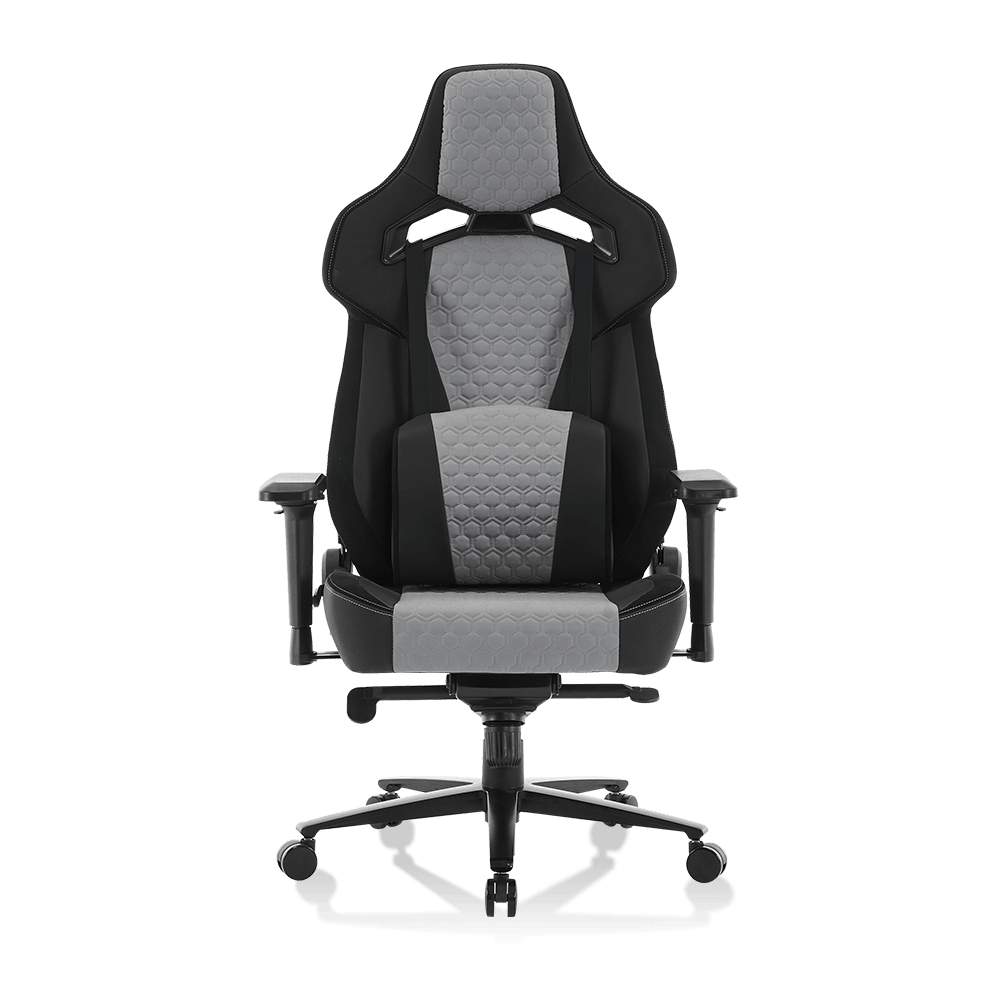

Article Directory
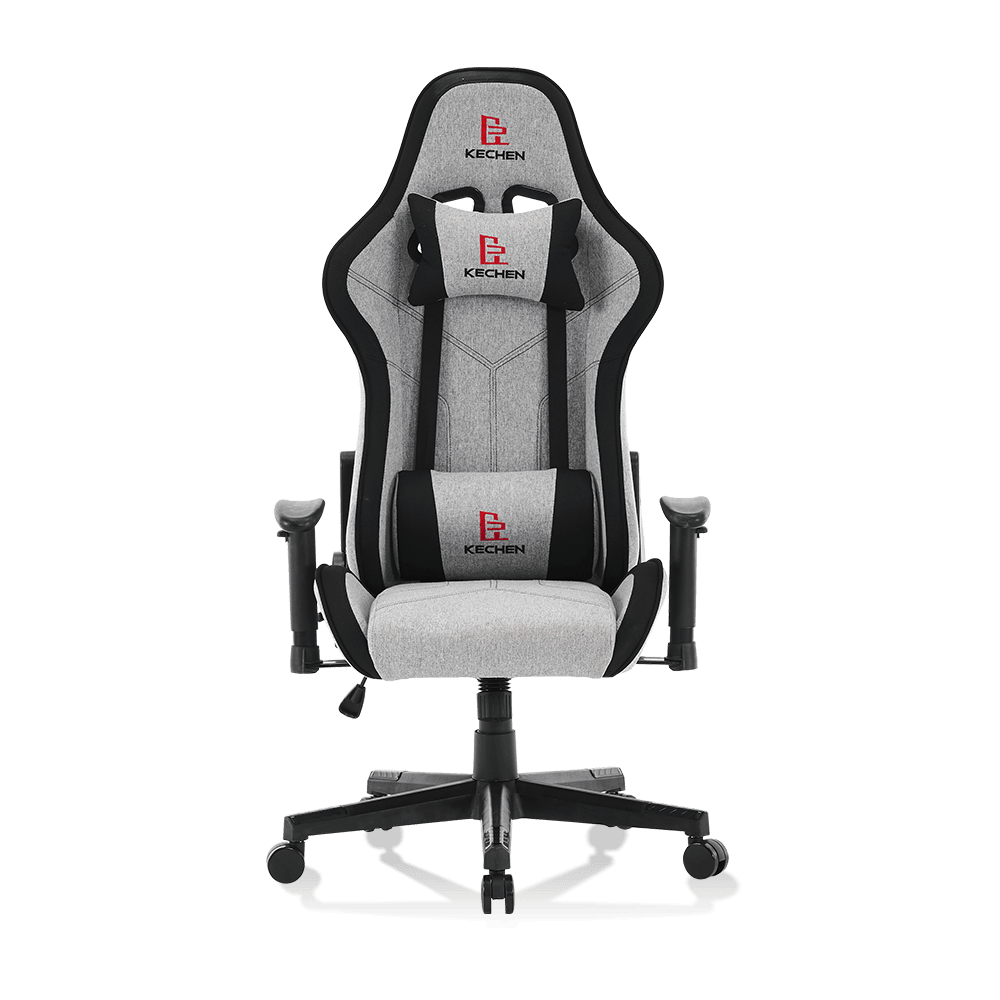
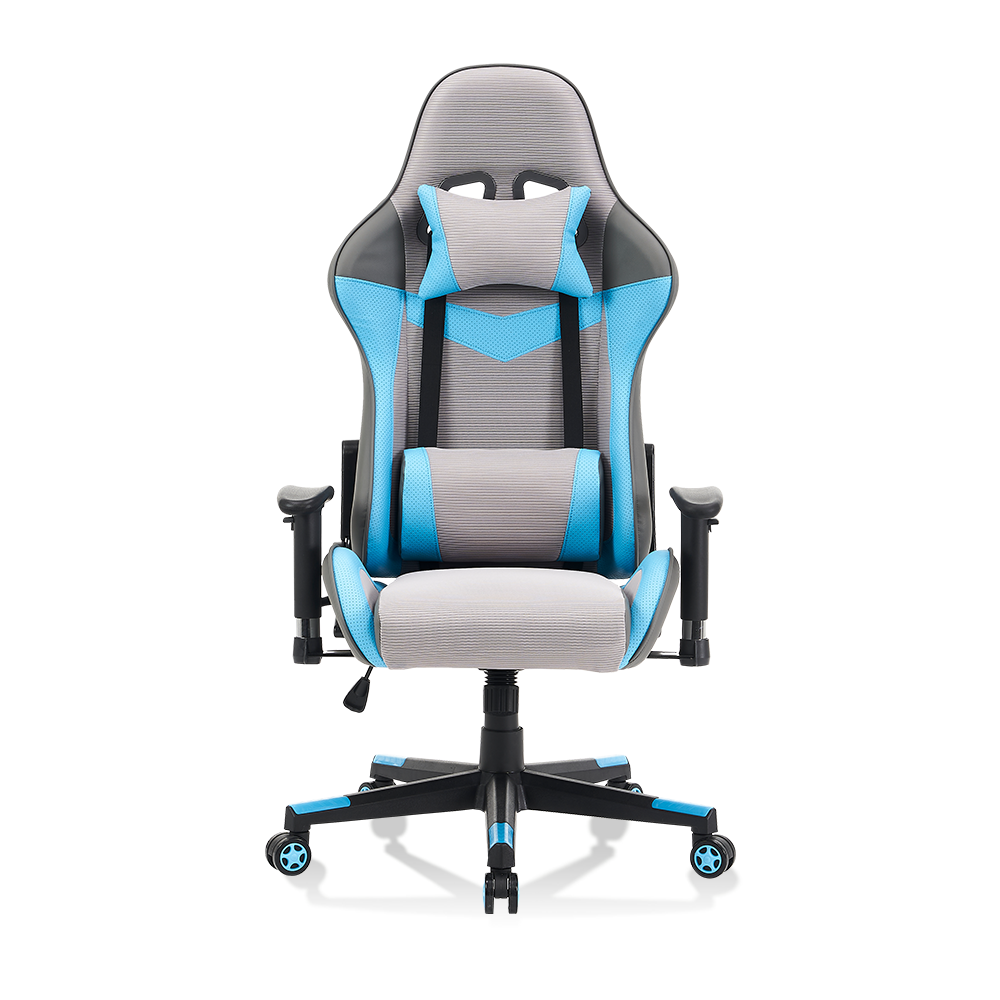
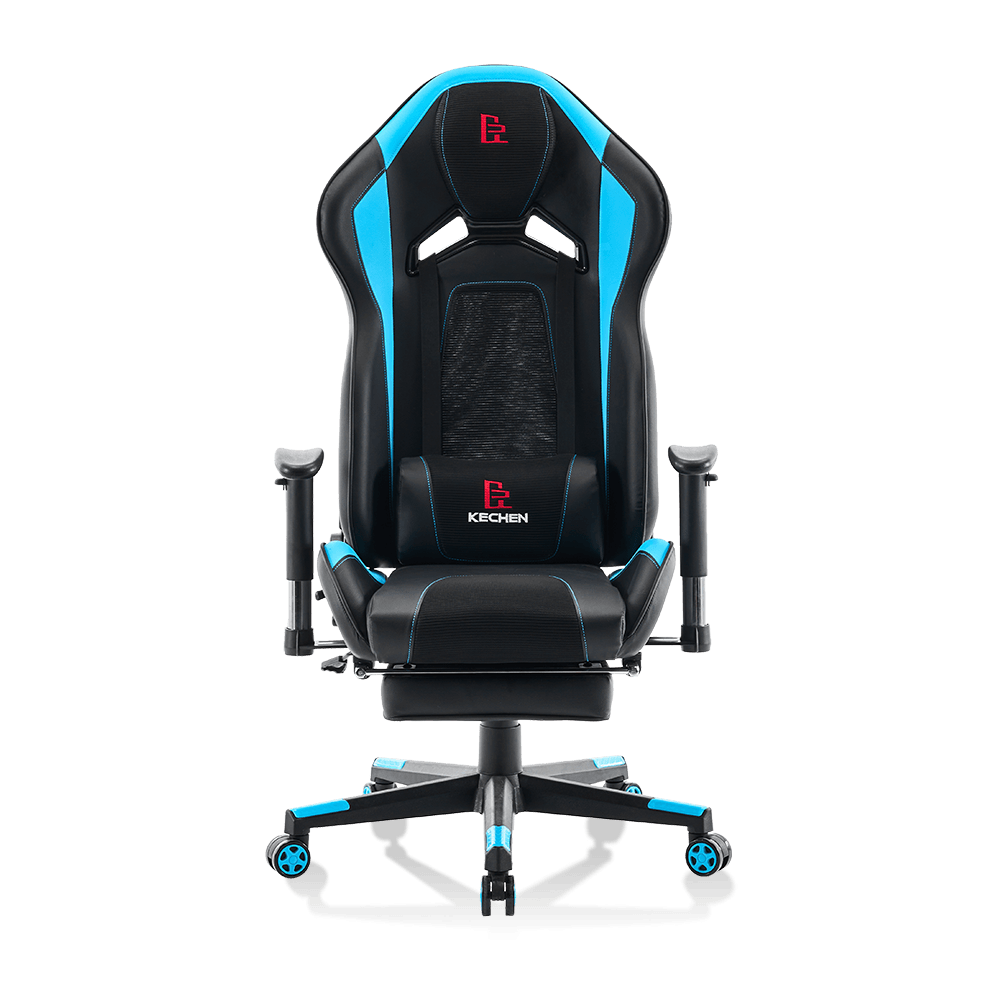
A gaming chair can absolutely work for office use — provided you choose a model with adjustable lumbar support, a recline lock, and a firm seat base rather than one built purely for aesthetics. Most gaming chairs roll adequately on low-pile carpet but struggle on thick, high-pile surfaces without upgraded casters. The category went mainstream between 2014 and 2018, driven by esports sponsorship and Twitch streaming culture.
Are Gaming Chairs Good for Office Work?
The honest answer is: it depends on the chair, not the category. Gaming chairs span a wide quality spectrum — from sub-$150 bucket-seat replicas to $500-plus ergonomic hybrids that rival dedicated office chairs. The design philosophy differs from traditional office seating in ways that matter for all-day desk work.
Traditional office chairs — think Herman Miller Aeron or Steelcase Leap — are engineered around dynamic sitting and lumbar curve support for 8-hour continuous use. Gaming chairs borrow their silhouette from motorsport bucket seats, which are optimised for physical restraint during lateral G-forces, not for relaxed upright posture. That distinction explains why many entry-level gaming chairs produce lower-back fatigue after 3 to 4 hours of desk work.
However, the gap has narrowed significantly since 2020. Premium gaming chair brands including Secretlab, Herman Miller x Logitech, and AndaSeat now incorporate S-curve lumbar profiles, 4D armrests, and adjustable seat tilt tension — features that match dedicated office chairs at equivalent price points.
Gaming Chair vs. Office Chair for Desk Work
| Feature | Gaming Chair | Office Chair |
|---|---|---|
| Lumbar support | External pillow (entry) or built-in adjustable (premium) | Usually integrated, contoured to spine |
| Seat cushion density | Firm to medium — good short-term, may compress over time | High-density foam or mesh — stable long-term |
| Recline range | Up to 180° on many models | Typically 95°–120°, task-focused |
| Armrest adjustability | 1D–4D depending on model | Usually 2D–4D on mid-range and above |
| Neck support | External headrest pillow standard | Integrated or absent; brand-specific |
| Typical warranty | 2–5 years (premium brands) | 5–12 years (premium brands) |
| Price range for quality | $300 – $600 | $400 – $1,500 |
What Makes a Gaming Chair Suitable for Office Use
- Integrated lumbar adjustment: Avoid chairs where lumbar support is only a loose pillow tied to the backrest. Look for a built-in mechanism that allows height and depth adjustment, such as the Secretlab Titan's internal lumbar dial. A properly positioned lumbar support maintains the natural inward curve of the lower spine (lordosis) — critical for preventing the disc compression that causes lower-back pain during long sessions.
- Seat depth adjustment: Office work involves sitting fully back in the chair with 2 to 3 finger-widths of clearance between the back of the knee and the seat pan edge. Many gaming chairs have fixed seat depth; adjustable models like the AndaSeat Kaiser 3 allow a 2-inch fore-aft slide that accommodates users between 5ft 4in and 6ft 4in without compromising posture.
- Firm recline lock at 90–100 degrees: A reclining gaming chair is pleasant for watching media but counterproductive for monitor-focused work. Confirm the chair locks solidly at a near-upright angle, not just at extreme recline positions.
- 4D armrests: Armrests that adjust in height, width, depth, and angle allow you to position your elbows directly below your shoulders and keep your forearms parallel to the desk surface — the posture that prevents upper trapezius and neck tension during typing-heavy workdays.
- Weight and height rating: Most gaming chairs are rated for users up to 250 lb (113 kg) and heights between 5ft 5in and 6ft 2in. If you fall outside this range, verify the manufacturer's specification explicitly, as both seat width and backrest height affect whether the lumbar support actually aligns with your L4–L5 vertebrae.
Can Gaming Chairs Roll on Carpet?
Yes — gaming chairs can roll on carpet, but performance varies significantly based on carpet pile height and the type of casters fitted to the chair. This is one of the most practical questions buyers overlook until after delivery.
Nearly all gaming chairs ship with standard hard-floor PU (polyurethane) casters measuring 50mm in diameter. These casters roll smoothly on hardwood, tile, and low-pile carpet (under 0.5 inch / 12mm pile height). On medium-pile or berber carpet, rolling resistance increases noticeably — you will need to push off with your feet to reposition. On high-pile or shag carpet (over 1 inch / 25mm pile), standard casters sink into the fibres and rolling becomes difficult enough to be practically non-functional.
Caster Options for Carpet Use
- Standard PU casters (stock): 50mm diameter, hard plastic wheel. Works well on hard floors and low-pile carpet. The most common failure point: they collect carpet fibres and hair in the axle, which degrades rolling performance within 6 to 12 months. Clean the axles every 3 months with a seam ripper or small scissors to maintain smooth rotation.
- Oversized rollerblade-style casters: 60mm to 75mm diameter, polyurethane soft wheel. The larger diameter and softer compound distribute weight over a greater surface area, reducing the tendency to sink into carpet pile. Brands like Casters Plus and Office Master produce universal 5-prong replacements that fit 99% of gaming chair bases for $25 to $45 per set. On medium-pile carpet, the difference in rolling effort is substantial — roughly equivalent to the difference between pushing a shopping trolley on asphalt versus grass.
- Hard-floor casters on carpet: If your setup transitions between a hard-floor area and a carpet section, hard-floor casters work acceptably on carpet but will indent loop-pile carpet over time. A chair mat covering the carpet area is a practical alternative that protects the carpet and provides a consistent rolling surface.
- Chair mat alternative: A polycarbonate or PVC chair mat measuring 47 by 35 inches — the standard size for a single workstation — costs $40 to $100 and eliminates carpet-rolling problems entirely while also protecting carpet from caster indentation. For thick carpets, choose a mat with cleated undersides (small teeth) that grip the carpet backing and prevent the mat from sliding.
Carpet Pile Height vs. Caster Performance
| Carpet Type | Pile Height | Standard 50mm Casters | Oversized 65mm Casters |
|---|---|---|---|
| Low-pile / flat weave | Under 12mm | Good rolling performance | Excellent |
| Medium-pile | 12mm – 20mm | Moderate resistance, manageable | Good rolling performance |
| High-pile / plush | 20mm – 30mm | High resistance, difficult | Moderate resistance |
| Shag / deep pile | Over 30mm | Effectively non-functional | Difficult — chair mat recommended |
When Did Gaming Chairs Become Popular?
The gaming chair category was effectively created by a single product launch. DXRacer, originally a Chinese manufacturer of motorsport bucket seats for production cars, pivoted to office gaming chairs around 2006 and began exporting globally by 2010. The design — a high-backed bucket seat with bold colour blocking and racing-stripe aesthetic — was genuinely novel in a market that had offered nothing beyond black mesh office chairs for a decade.
However, mainstream consumer adoption did not arrive until the 2014–2016 period, driven by two converging forces: the explosive growth of professional esports (The International Dota 2 tournament in 2014 offered a $10.9 million prize pool, bringing global media coverage to the category) and the parallel rise of Twitch streaming, which gave millions of viewers a front-row seat to the chairs their favourite streamers were using. DXRacer's sponsorship of professional teams and Twitch personalities created an aspirational association between the product and elite gaming performance.
Timeline of Gaming Chair Market Growth
| Period | Key Development | Market Impact |
|---|---|---|
| 2006 – 2010 | DXRacer pivots from automotive to gaming seats | Category created; minimal mainstream awareness |
| 2011 – 2013 | Early esports team sponsorships begin | Niche adoption among competitive PC gaming community |
| 2014 – 2016 | Twitch streaming growth; esports prize pools go mainstream | Rapid consumer awareness; category sales double annually |
| 2017 – 2019 | Secretlab, AKRacing, Noblechairs enter market | Competition raises build quality; prices fragment across tiers |
| 2020 – 2022 | COVID-19 drives home office setup investment globally | Gaming chair sales surge 40–60% YoY; crossover to office use normalised |
| 2022 – present | Herman Miller x Logitech G collaboration launches at $1,495 | Premium segment validated; category repositioned as serious ergonomic seating |
The COVID-19 pandemic of 2020 was the single largest demand catalyst in the category's history. With office workers suddenly equipping home workspaces, gaming chairs — widely available, visually distinctive, and broadly recognised through streaming culture — captured a significant share of the home office seating market that had previously belonged to generic task chairs. Market research firm Grand View Research estimated the global gaming chair market at $1.15 billion in 2021, projecting compound annual growth of 4.8% through 2028.
How to Choose the Right Gaming Chair for Your Setup
- Match the chair to your primary use case first: If you spend more than 6 hours per day at a desk, prioritise ergonomic features — adjustable lumbar, seat depth, and 4D armrests — over aesthetic details. A chair that looks aggressive but forces you into a forward-hunched posture will produce neck and shoulder pain within weeks of regular use.
- Verify your body dimensions against the spec sheet: Seat width, backrest height, and maximum user weight are all published by reputable manufacturers. A 5ft 8in user in a chair designed for users up to 6ft 2in will find the headrest sitting behind the shoulder blades rather than the neck — rendering it useless and creating a pressure point.
- Budget allocation by use intensity: Casual gaming for 1 to 2 hours daily — a $150 to $250 mid-range model is sufficient. Competitive gaming or work-from-home daily use — invest $350 to $550 in a premium model from Secretlab, AndaSeat, or equivalent. Professional content creation or streaming — the Herman Miller x Logitech G Embody or Steelcase Leap at $800 to $1,500 provides genuine all-day ergonomic support with 12-year warranties that budget chairs cannot match.
- Check the return and trial policy: Ergonomic fit is personal and cannot be fully assessed from specifications alone. Brands including Secretlab offer a 49-night home trial, while AndaSeat provides 30-day returns on most models. Avoid purchasing from sellers whose return policy requires you to cover return shipping on a 60-pound chair — the cost can reach $80 to $150, effectively eliminating the practical ability to return an ill-fitting product.
- Assess the floor surface before ordering: If your setup involves medium or high-pile carpet, factor in the cost of either upgrade casters ($30 to $50) or a chair mat ($40 to $100) when comparing total purchase prices across models. A $300 chair that rolls freely on your hardwood floor may be less practical than a $280 chair from a brand that includes soft-wheel casters as standard.