Español
 日本語
 Deutsch

Article Directory
- 1 Seat Height Adjustment: The Foundation of Posture
- 2 Backrest Recline: Spreading the Load
- 3 Lumbar Support: The Adjustment That Targets the Lower Back
- 4 Armrest Adjustments: Relieving Shoulder and Neck Strain
- 5 Headrest and Seat Depth: Completing the Support System
- 6 How to Test and Choose an Office Chair with the Right Adjustments
Seat Height Adjustment: The Foundation of Posture
The first adjustment to set up on any office chair is the seat height, and it does more than determine whether your feet touch the floor. When seat height is correct, both feet rest flat, knees bend at roughly 90 degrees, and the hips sit slightly above the knee line. That position keeps the pelvis in a neutral alignment, which allows the lower back to maintain its natural inward curve. When the seat is too low, the pelvis rolls backward, the lumbar curve flattens, and the lower back muscles work overtime just to hold the torso upright. When the seat is too high, you end up perched on the front edge, which presses on the back of the thighs and can restrict circulation over time.
Most office chairs use a pneumatic gas lift with roughly 10 to 12 cm (4 to 5 inches) of travel, which covers the leg length of most adult users. But a standard range is not the same as the right range for you. Sit at your normal working height and test the lowest and highest settings. Shorter users often discover that the chair cannot go low enough, which forces them into a forward-slumped position no other adjustment can fully correct. Height adjustment is therefore not a convenience feature; it is the base condition for every other support function on the chair.
Backrest Recline: Spreading the Load
Backrest recline is often misunderstood as a rest-only feature, but it is a genuine spinal-load reduction mechanism. When you sit upright, most of your upper-body weight travels down the spine into the pelvis. When the backrest tilts backward, part of that weight transfers to the backrest itself, reducing pressure inside the intervertebral discs and allowing the back muscles to relax. This is why a chair that lets you shift between an upright working position and a slightly reclined resting position often feels noticeably more comfortable by the end of the day.
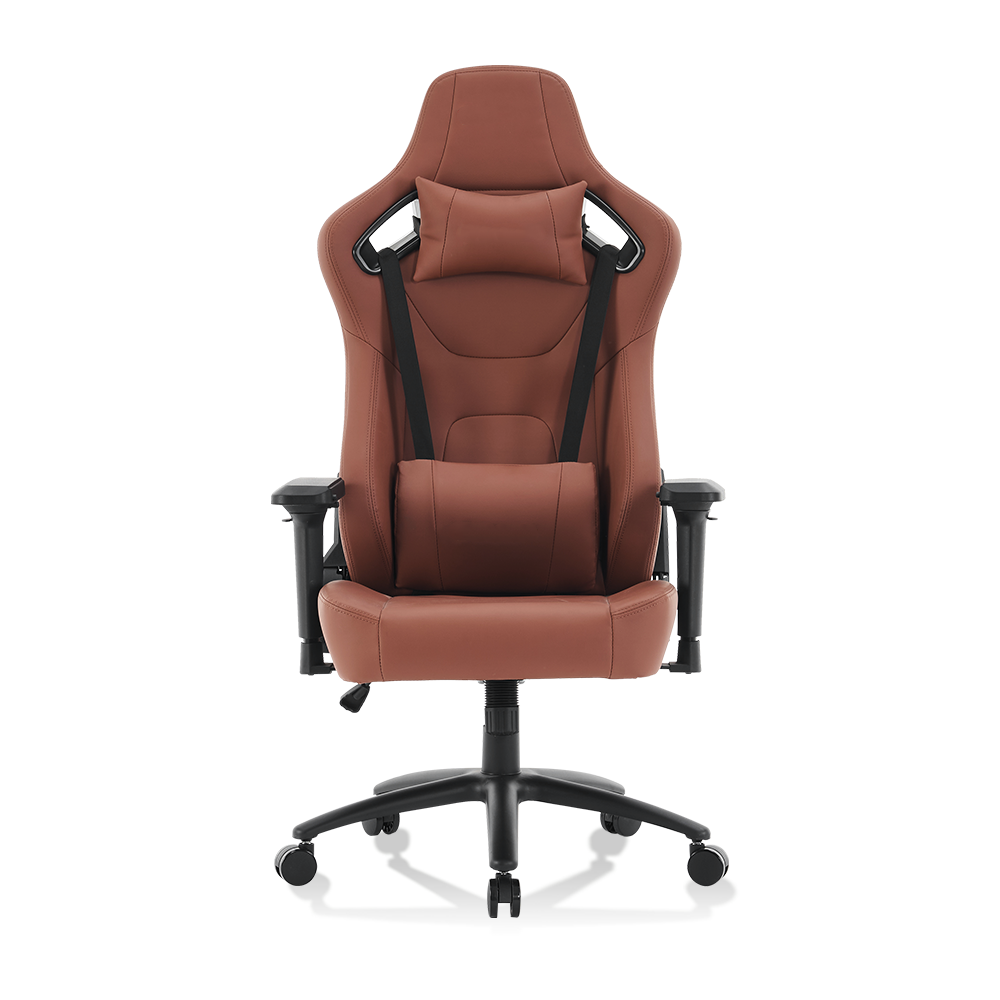
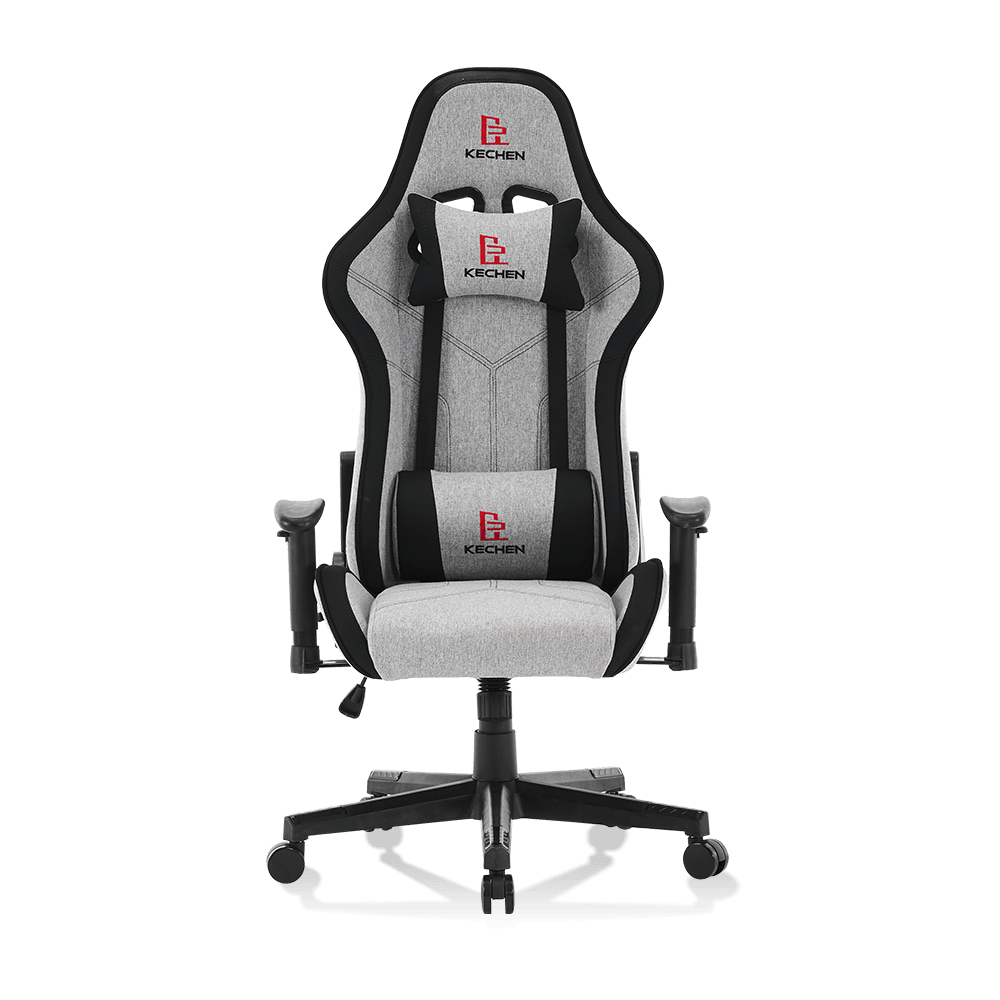
A chair like the 5132 adjustable angle gaming chair is designed around this principle. The seat and backrest move together as you lean back, so your hips stay anchored and you do not slide forward or feel a pinch at the waist. Two practical details matter when evaluating recline function. First, tension adjustment: a good chair lets you fine-tune how much force is needed to lean back, so small posture shifts are easy and larger deliberate recline movements remain controlled. Second, angle lock: most office tasks require the backrest to stay fixed at a chosen angle, so a chair that only rocks freely without locking does not provide enough support for focused work.
 Adjustable Angle Gaming Chair - Ergonomic PU Office Computer ChairBoost your gameplay & work comfort! Our ergonomic gaming chair features adjustable angles, lumbar support, and high-quality PU leather fo...View Product →
Lumbar Support: The Adjustment That Targets the Lower Back
The most important adjustment for back support is the lumbar support. The lower spine has a natural inward curve, and when you recline in a chair, that curve tends to push against the open space between the seat and the backrest. If that gap is not filled, the lumbar muscles begin working continuously to hold the spine in place, which produces the familiar dull ache after a few hours of sitting. A fixed padded bump on the backrest is better than nothing, but it cannot match the varied body shapes and posture preferences of different users.
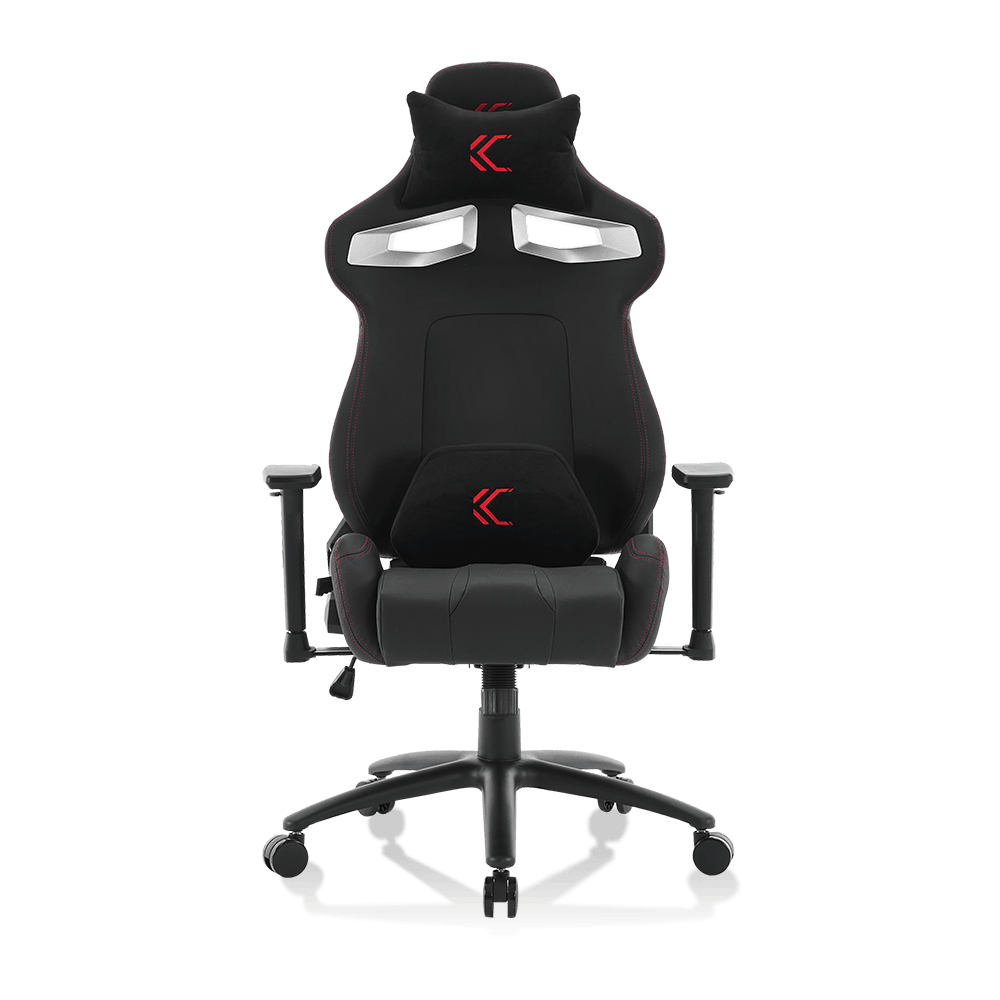
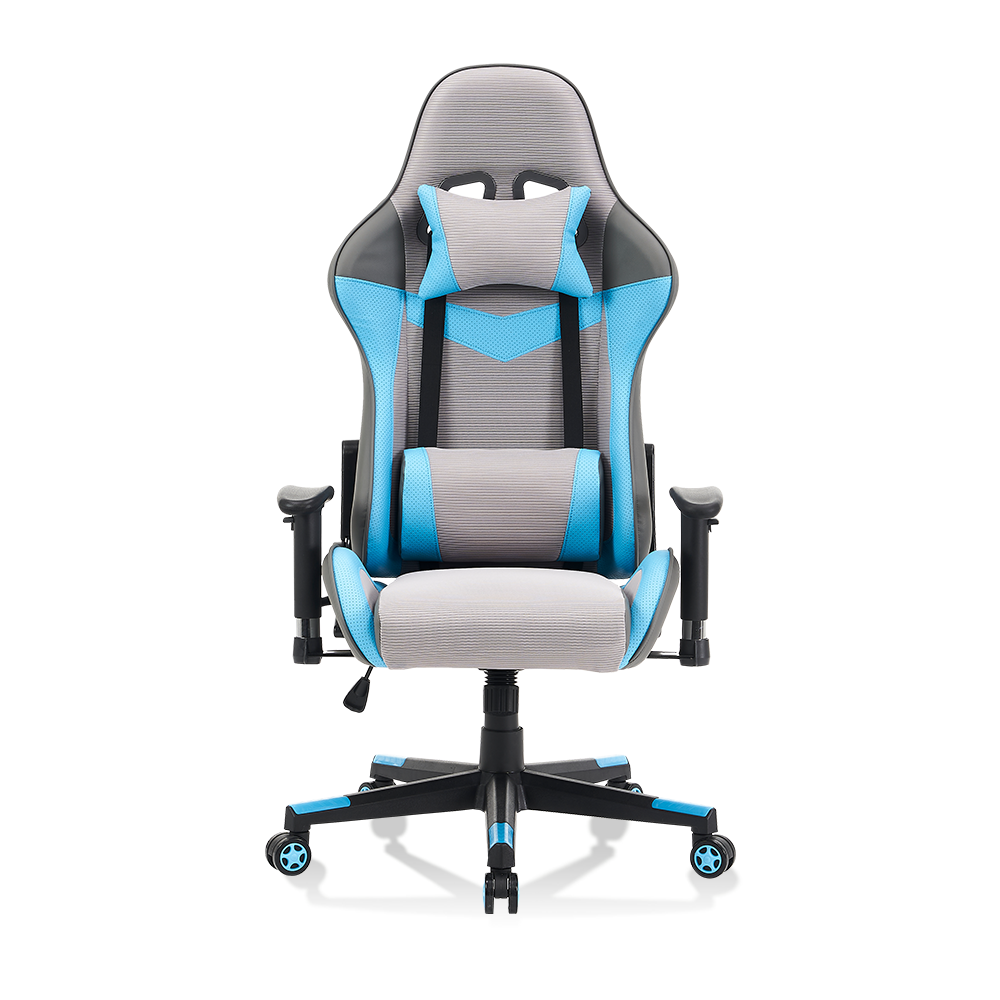
Lumbar support that adjusts in both height and depth is significantly more practical. Height adjustment positions the support exactly behind the lumbar vertebrae rather than behind the ribs or the pelvis. Depth adjustment controls how firmly the support presses into the back; what feels right for a slim frame may feel excessive for a heavier build. The 5129 lumbar support computer chair illustrates this approach well, pairing an adjustable lumbar area with a durable frame for users who split their time between office work and home gaming. The ability to change the contact point and pressure is what prevents the slow slide into slouching that happens when support is in the wrong place.
 Durable Gaming Chair with Lumbar Support for Office & HomeErgonomic gaming chair with adjustable lumbar support & high-back design. Perfect for long hours of gaming or office work. Durable constr...View Product →
Armrest Adjustments: Relieving Shoulder and Neck Strain
Armrests are usually treated as a comfort extra, but they play a direct role in upper-body support. When your arms rest naturally at your sides and your elbows are close to 90 degrees, the shoulders can relax and stay down. When armrests are too high, the shoulders lift into a shrug. When they are too low, the arms hang without support and the load transfers to the neck and upper back muscles. Over an eight-hour workday, that constant low-level tension accumulates and often surfaces as shoulder or neck discomfort.
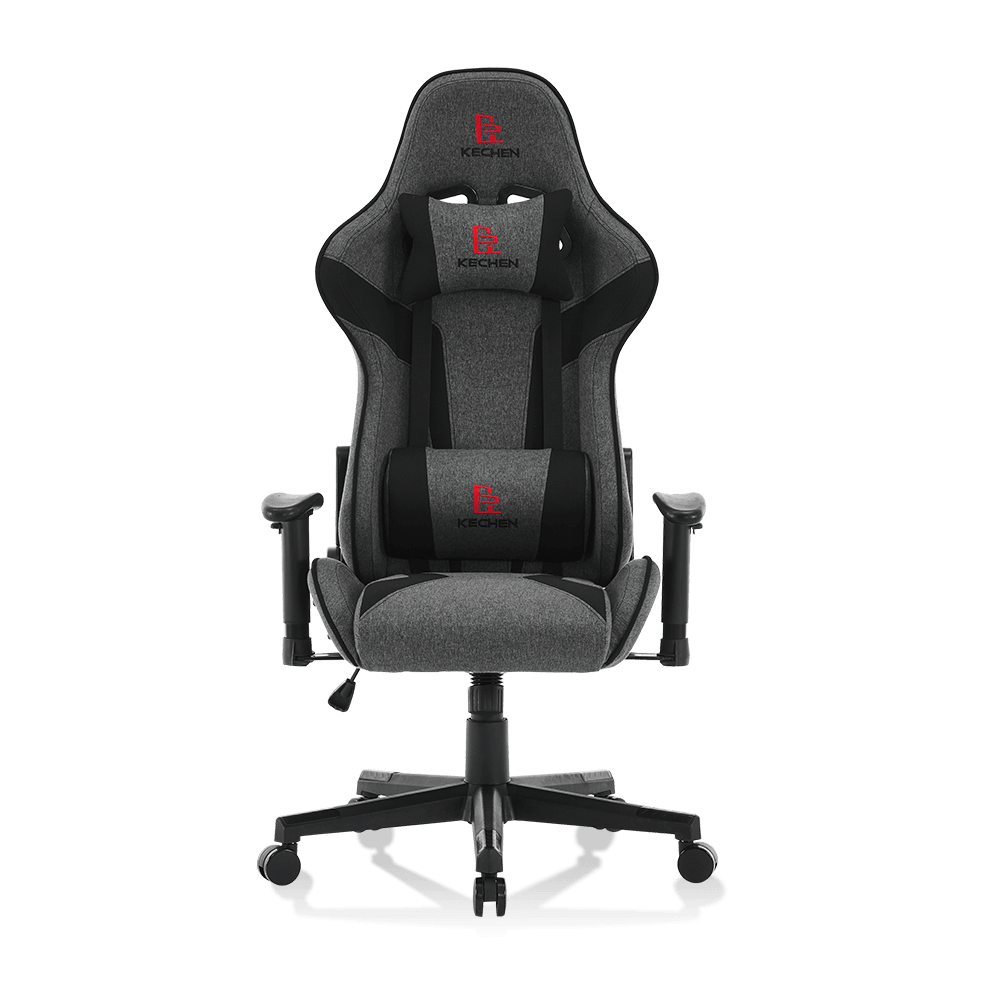
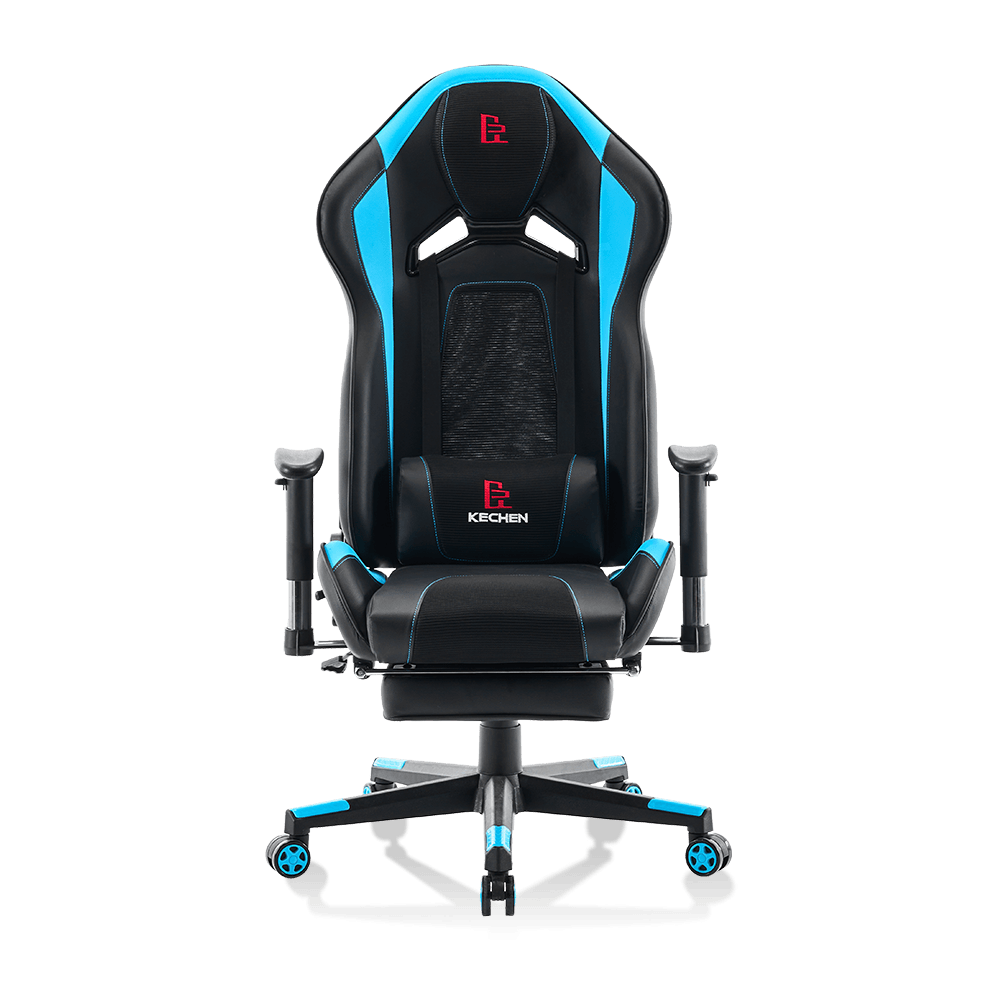
The most useful baseline configuration is a 2D armrest, which adjusts in height and width. Height matters for matching the desk surface, while width matters because armrests set too far apart force the shoulders to roll forward. The 5122 adjustable computer chair with 2D armrests is a practical example of this setup: both the vertical position and the horizontal spacing can be set independently, which covers the two dimensions that affect shoulder posture most directly. A quick test is to close your eyes, relax your shoulders, and note where your forearms rest; the armrest surface should meet them there, not force them up or out.
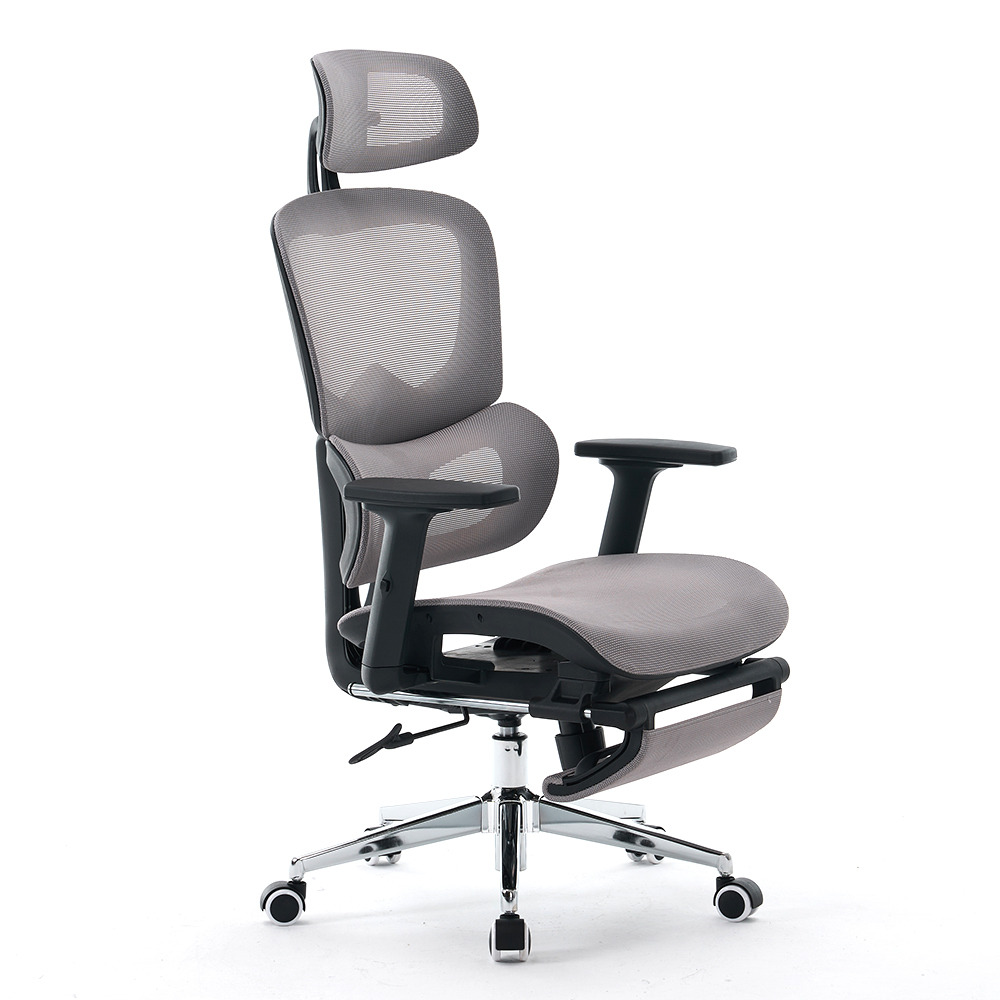 China Wholesale ODM/OEM 5122 Adjustable computer chair ergonomic chair 2D armresAnji Kechen Furniture Co., Ltd. Is China Wholesale ODM/OEM 5122 Adjustable computer chair ergonomic chair 2D armrests home office mesh ch...View Product →
Headrest and Seat Depth: Completing the Support System
Headrest Height and Angle
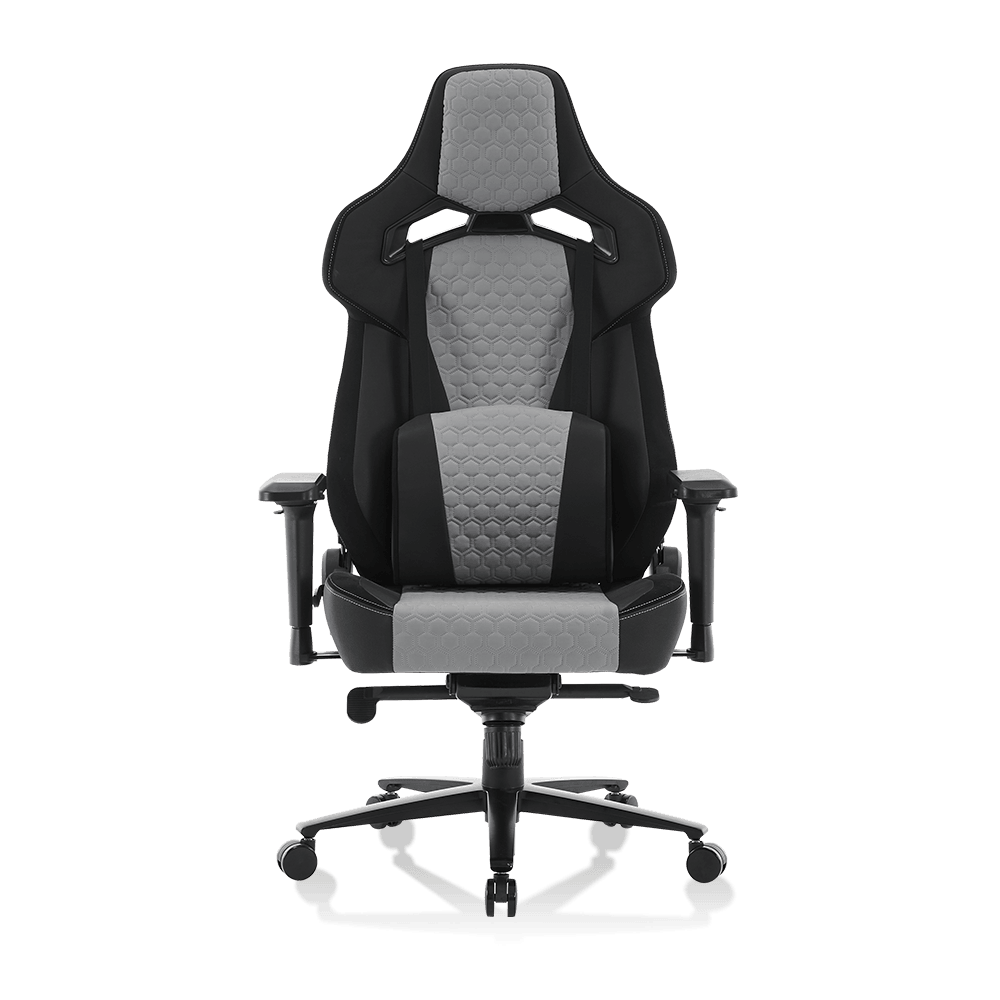
A headrest with height and angle adjustment protects the neck when you recline. The neck is not designed to hold the head at an awkward angle for long stretches, so a properly placed headrest allows the head to rest without straining the cervical spine. Taller users often find fixed headrests too low, while shorter users may feel pushed forward. The headrest should support the back of the head or the upper neck while keeping the spine in one roughly straight line. A model such as the 5096 head support home computer chair is built around this need, with a headrest positioned for users who remain seated for extended periods.
Seat Depth
Seat depth adjustment controls how far the seat pan extends under your thighs. The ideal setting leaves about 3 to 5 cm of clearance behind the knee while still supporting most of the thigh. If the seat is too shallow, the thighs lose support and pressure concentrates on a small area. If it is too deep, the front edge presses into the back of the legs and can restrict blood flow. Depth adjustment is often overlooked in favor of more visible features, but it has a direct impact on how evenly your weight is distributed across the seat pan, especially for taller or shorter users whose leg lengths fall outside the average range.
How to Test and Choose an Office Chair with the Right Adjustments
Choosing the right office chair comes down to a simple question: does this chair fit my body, not just look ergonomic on paper. The verification process takes about ten minutes. Start by adjusting the seat height until your feet are flat on the floor and your knees are bent at 90 degrees. Then set the lumbar support height and depth so that you feel pressure in the lower back area, not under the ribs. Next, recline the backrest to a comfortable working angle and lock it. After that, adjust the armrests so they support the forearms without lifting the shoulders. Finally, if the chair has a headrest, position it so that your neck stays relaxed when you sit back.
| Adjustment | Primary Support Role | Most Important For |
|---|---|---|
| Seat height | Pelvic alignment and leg circulation | All users |
| Backrest recline | Spinal load distribution | Users with long continuous sitting sessions |
| Lumbar height and depth | Preserving the lumbar curve | People with lower back discomfort |
| Armrest height and width | Reducing shoulder and neck tension | Keyboard-heavy workers |
| Headrest height and angle | Neck support during recline | Taller users and those who take regular rest breaks |
Beyond the adjustment range itself, check the mechanical quality of each function. Levers and knobs should move smoothly without excessive force or looseness. Locking mechanisms should hold firmly once engaged. Armrests should not wobble noticeably during normal use. The base and casters also matter because a chair that shifts or tilts under movement undermines the stability of every other adjustment. For a deeper look at which ergonomic features actually matter in daily use, our guide on the features of a truly ergonomic chair covers the essentials in more detail.
It is also worth considering how the chair behaves over long hours of use in your specific workspace. Office chairs and gaming chairs now overlap heavily in function; the practical distinction is which adjustments you will actually use while working. If you spend most of the day typing, prioritise armrests and lumbar support. If you frequently switch between focused work and reading or calls, a wider recline range with a reliable lock becomes more valuable. Comparing ergonomic gaming chairs and traditional office chairs side by side can help clarify these trade-offs, especially when you are deciding between a mesh back and a padded back. Our article on whether mesh chairs are good for your back explains how backrest material interacts with support and breathability.
For buyers who want to match a chair to a specific room, work pattern, or body type, the choice should be made in person whenever possible. Sit in the chair with your actual desk setup, use the adjustments, and observe how your body feels after several minutes rather than after a few seconds. A chair with a long list of adjustment functions only helps if those functions are smooth, precise, and matched to your body. The best office chair is not the one with the most levers; it is the one whose adjustments align with your posture, your work habits, and your physical dimensions. If you are comparing models for a mixed office and gaming setup, our office chair selection guide for gaming and ergonomics provides a practical framework for narrowing down the options.