Español
 日本語
日本語 Deutsch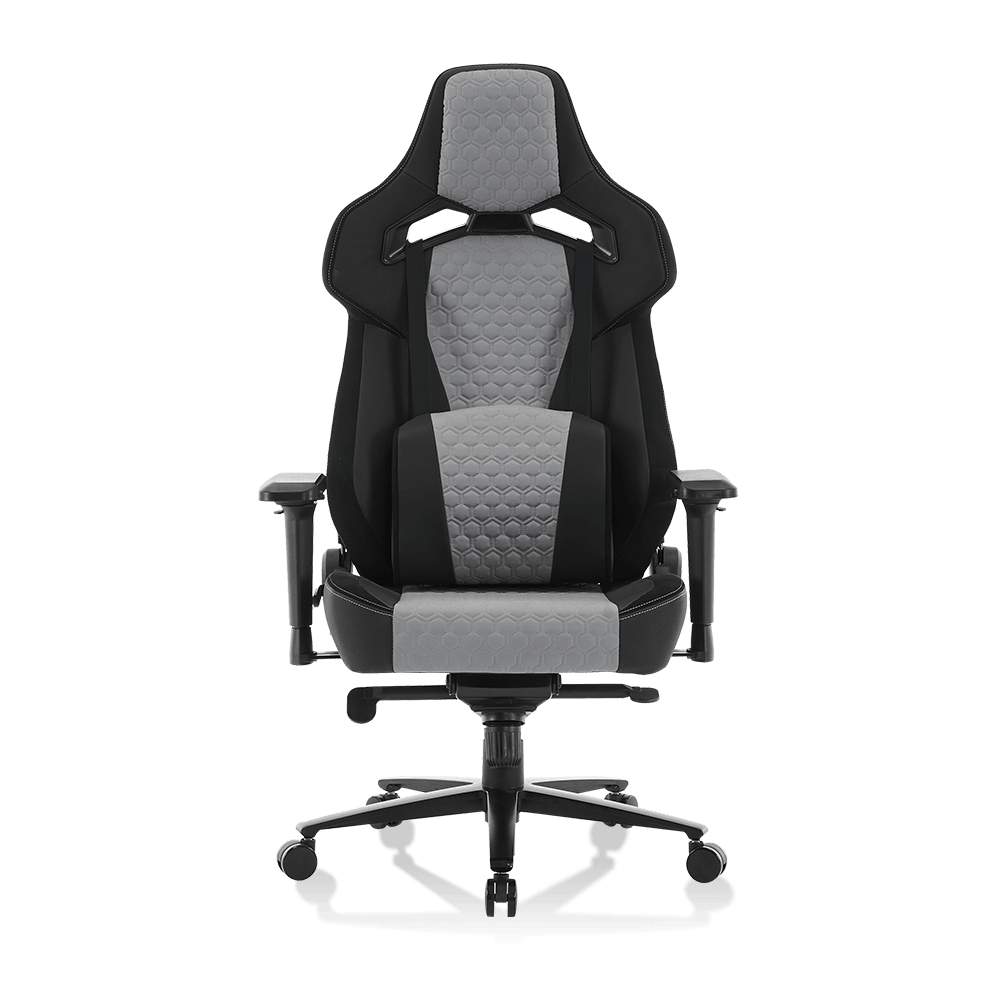

Article Directory
Anyone who spends more than a few hours a day in front of a screen knows the dull ache that starts low in the back and creeps up the spine by mid-afternoon. A gaming chair for back pain is built around this exact problem: it is designed to keep the lumbar spine supported, the hips level, and the shoulders relaxed through long sitting sessions, whether you are grinding through a raid, closing out a work sprint, or running back-to-back matches in a tournament. Choosing the right chair means looking past marketing photos and RGB lighting and evaluating the structural elements that actually matter: lumbar support mechanisms, seat foam density, backrest recline range, and frame construction. This guide breaks down the chair types worth considering, the settings where each performs best, the specifications buyers should compare, and the posture habits that make any chair more effective.
6-10 hours the average gamer, remote worker, or esports competitor sits per day, according to workplace ergonomics surveys
Types of Gaming Chairs for Back Pain Support
Not every gaming chair addresses back pain the same way. Some rely on adjustable lumbar cushions, others on molded ergonomic shells, and others on high-density memory foam that holds its shape over time. Understanding these categories is the first step to finding the best gaming chair for back pain support rather than one that simply looks the part.
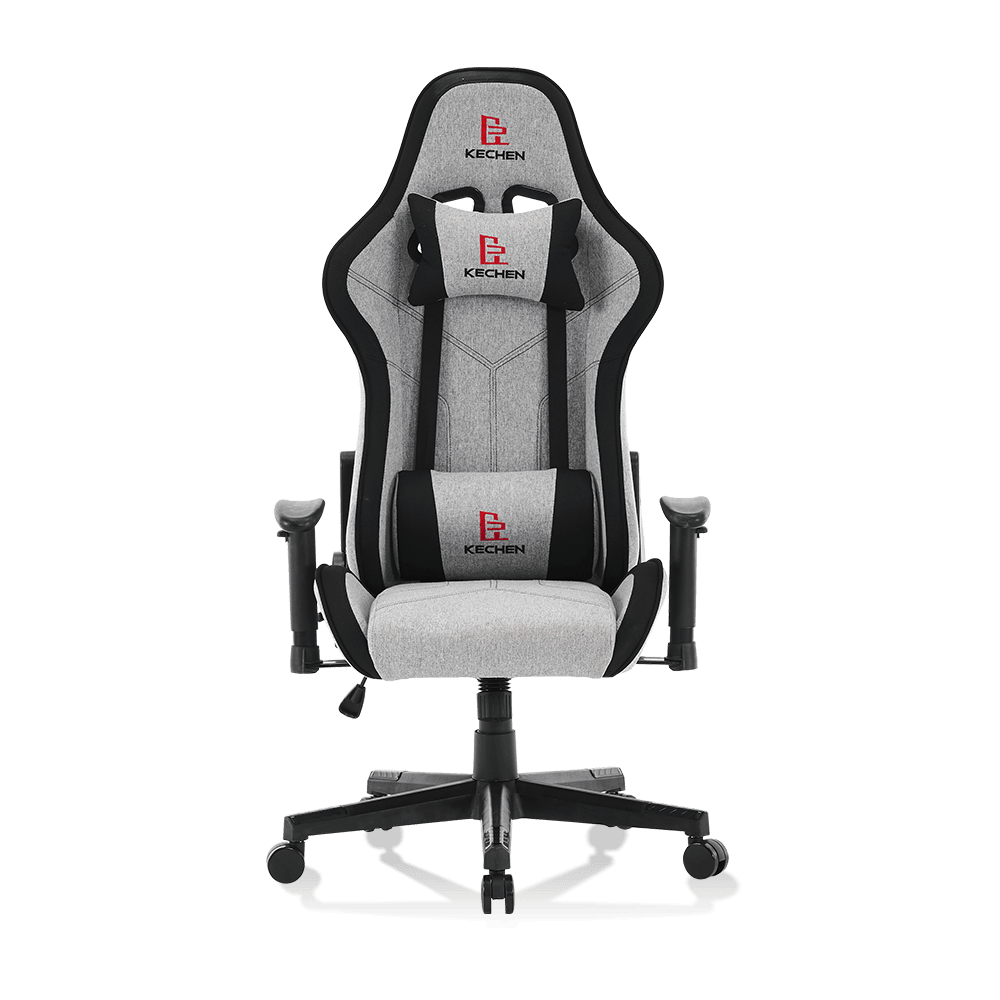
- Ergonomic Gaming Chair - built around a body-mapped shell that follows the natural curve of the spine, often paired with adjustable armrests and a synchronized tilt mechanism, making it a strong pick for anyone doing ergonomic gaming chair for long sitting sessions.
- Lumbar Support Gaming Chair - features a dedicated lumbar cushion or built-in curve that can be raised, lowered, or inflated, which is useful for buyers specifically searching for a gaming chair with lumbar support adjustment.
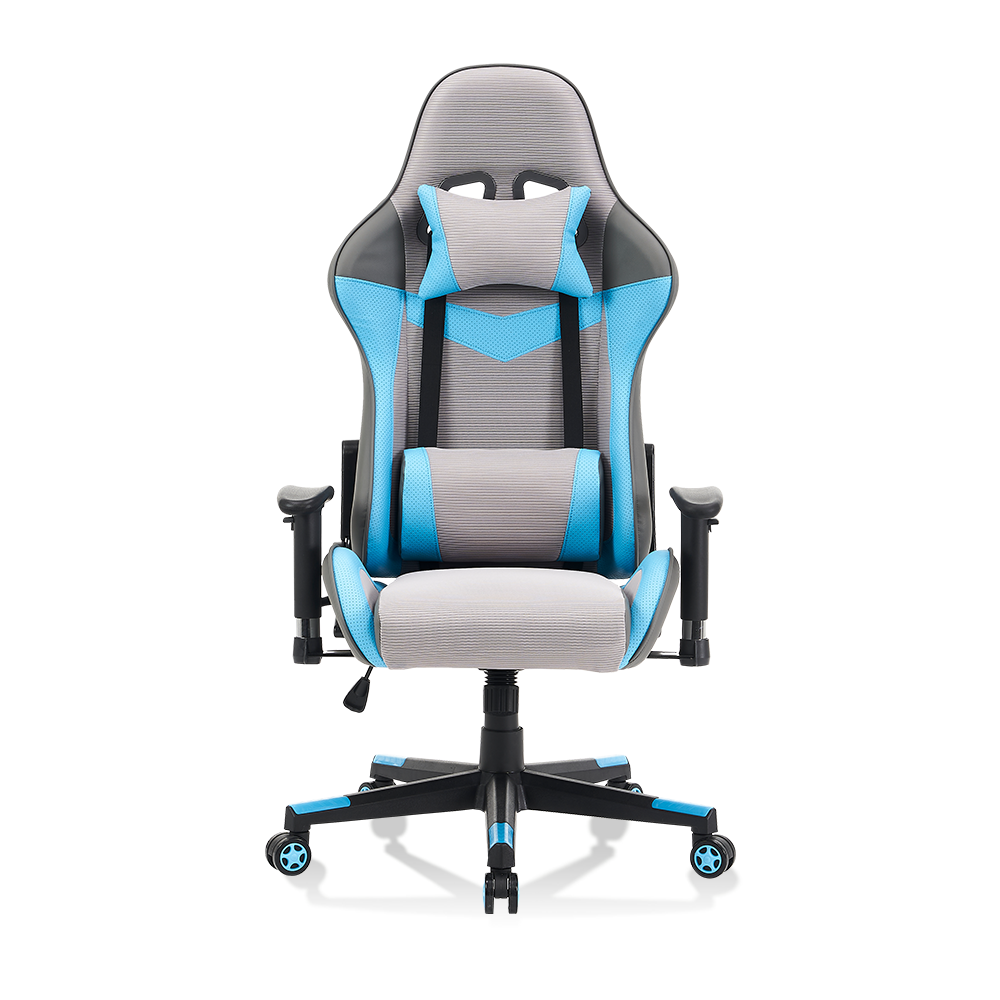
- Reclining Gaming Chair - offers a wide backrest tilt range, sometimes past 130 degrees, giving the spine periodic relief and making it a common choice as a reclining gaming chair for office use.
- High Back Gaming Chair - extends support up through the shoulders and upper back, reducing the tendency to hunch forward during long focus sessions.
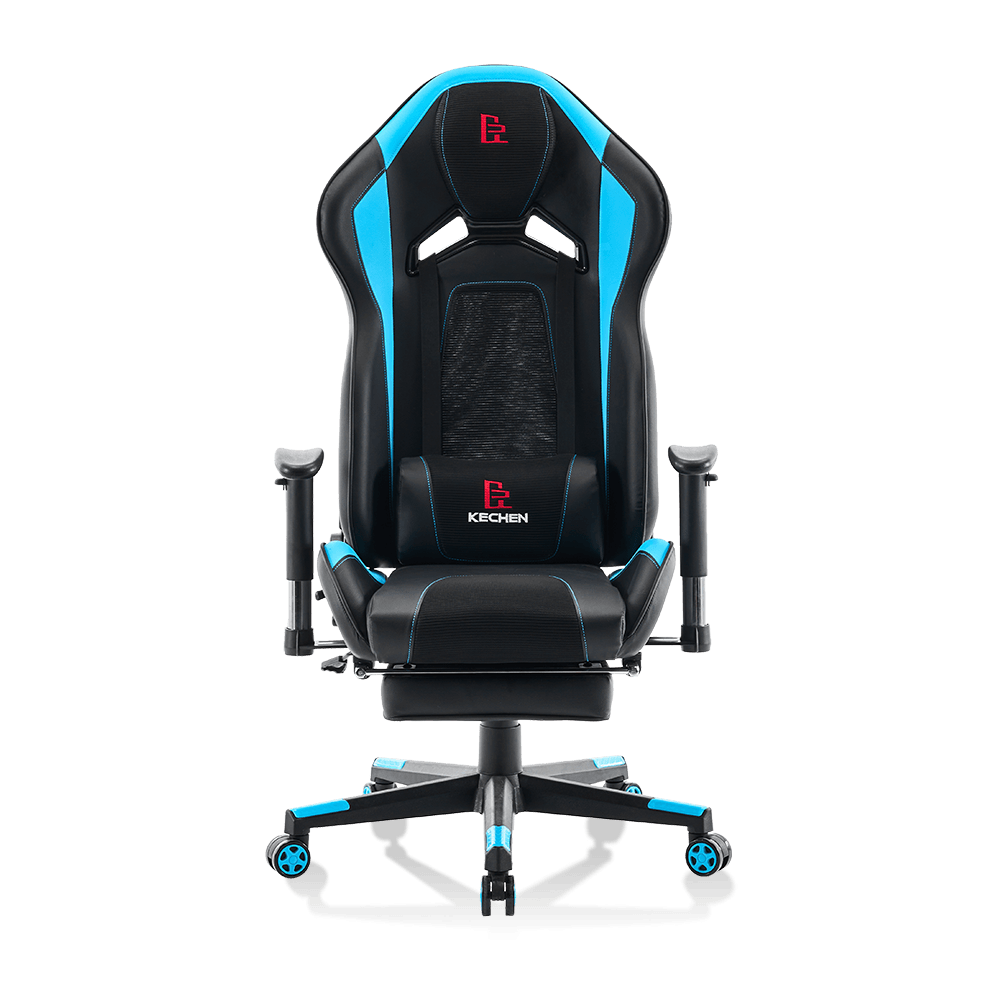
- Memory Foam Gaming Chair - uses slow-recovery foam in the seat and lumbar zones, which distributes pressure more evenly and is often cited for memory foam gaming chair comfort features.
| Chair Type | Best For | Key Back-Pain Feature |
| Ergonomic Gaming Chair | All-day desk work | Body-mapped shell and synchro-tilt |
| Lumbar Support Gaming Chair | Variable body types | Adjustable or inflatable lumbar cushion |
| Reclining Gaming Chair | Long breaks between tasks | Extended backrest tilt range |
| High Back Gaming Chair | Upper back and neck fatigue | Extended shoulder-height backrest |
| Memory Foam Gaming Chair | Pressure-sensitive sitters | Slow-recovery foam in seat and lumbar zones |
Applications of Gaming Chairs for Back Pain Relief
Where a chair is used matters almost as much as how it is built. A gaming chair for home office back pain does a different job than one built for a shared esports training room, even though the underlying ergonomic principles are the same.
Home Office and Remote Work
Remote workers frequently move between video calls, spreadsheets, and deep-focus tasks without leaving their desk for hours at a time. A home office chair with adjustable lumbar support and seat depth helps maintain a neutral spine position through that entire stretch, rather than only during short gaming sessions. Look for an ergonomic chair for remote work setup that also adjusts seat height and armrest width, since desk height varies widely in home environments.
Esports and Competitive Gaming
An esports gaming chair for long hours needs to handle rapid, repeated micro-movements without losing lumbar contact. Competitive players often sit in fixed, forward-leaning postures during matches, which increases load on the lower spine. A chair with a firm lumbar curve and breathable backrest helps offset this by keeping the pelvis anchored and reducing the tendency to slouch as fatigue sets in.
Computer Desk and General Use
For everyday computer desk chair use, spinal support sitting comes down to consistency: the chair needs to perform the same whether someone is typing, browsing, or watching a long video. A gaming chair for computer desk use should offer enough adjustability to suit multiple users if the workstation is shared.
130 deg Typical maximum recline on reclining models
4-way Common armrest adjustment on ergonomic models
2-3 in Typical lumbar cushion height adjustment range
Key Performance Properties Buyers Should Evaluate
Beyond category labels, the real difference between chairs comes down to measurable properties. These are the specifications that separate a genuinely supportive chair from one that only resembles an ergonomic gaming chair seat cushioning quality on paper.
-
Adjustable Lumbar Support Chair
Look for gaming chair lumbar support adjustment that moves both up and down and in and out, so the curve can be positioned at the natural inward bend of the lower spine rather than a fixed factory height.
-
Ergonomic Seat Design
Seat depth and width should allow two to three fingers of space behind the knee when seated fully back, which helps maintain circulation and even weight distribution across the thighs.
-
Breathable Mesh Gaming Chair
A breathable gaming chair back support design, typically mesh or perforated fabric, allows airflow across the back panel, reducing heat buildup that can cause restless shifting and poor posture over long sessions.
-
High Density Foam Cushion Chair
Foam density in the 45 to 55 kilogram per cubic meter range is generally considered durable for seating that holds shape under repeated daily use, compared to lower-density foam that compresses and flattens quickly.
Standard Task Chair
- Fixed or minimal lumbar curve
- Limited recline range
- Basic foam without density rating
- Narrow backrest coverage
Gaming Chair for Back Pain
- Adjustable, movable lumbar support
- Wide recline range for posture breaks
- High-density or memory foam cushioning
- Extended high-back coverage
| Property | Entry-Level Range | Performance Range |
| Recline angle | 90-105 degrees | 90-130 degrees |
| Foam density | 25-35 kg/m3 | 45-55 kg/m3 |
| Lumbar adjustment | Fixed cushion | Height and depth adjustable |
| Backrest material | PU leather | Breathable mesh or hybrid |
Posture and Health Considerations
A chair alone cannot fully offset the effects of long, unbroken sitting, but it plays a meaningful role in supporting better habits. The goal of a spinal alignment chair is to make it easier, not automatic, to maintain a neutral spine position throughout the day.
Neutral spine posture means the natural S-curve of the back is preserved: ears stacked over shoulders, shoulders over hips, and the lower back supported rather than rounded or overarched.
A sitting posture correction chair typically supports this through three adjustments working together: seat height that keeps knees near a 90 degree angle, lumbar support that fills the gap at the small of the back, and armrests set so the shoulders can relax rather than shrug upward. Ergonomic health seating also benefits from pairing the chair with monitor height at eye level, which reduces the tendency to lean forward and lose lumbar contact.
For long sitting back pain prevention, short posture resets matter as much as chair features. Standing briefly every 45 to 60 minutes, adjusting recline periodically instead of holding one fixed angle, and keeping feet flat on the floor rather than tucked underneath the chair all support the lumbar support alignment chair guide built into the chair's design. None of these adjustments replace professional guidance for existing back conditions, but they complement a well-designed chair rather than compensating for a poorly designed one.
FAQ
Is a gaming chair good for back pain
A well-designed gaming chair with adjustable lumbar support, adequate foam density, and a reasonable recline range can help maintain better sitting posture during long sessions, which may reduce discomfort associated with prolonged static sitting.
What type of chair is best for back pain
Chairs with movable lumbar support, high-density foam, and an ergonomic shell that follows the spine's natural curve tend to perform best for buyers evaluating a gaming chair for back pain support.
Do gaming chairs help posture
They can support better posture by anchoring the lower back and encouraging a more upright seated position, particularly when paired with correct desk and monitor height.
How to sit properly in a gaming chair
Keep feet flat on the floor, knees near a 90 degree angle, lumbar cushion filling the curve of the lower back, and shoulders relaxed with armrests supporting the forearms rather than the shoulders.
What is lumbar support in a gaming chair
Lumbar support refers to a cushion, curve, or adjustable mechanism built into the backrest that fills the natural inward curve of the lower spine, helping distribute pressure more evenly during seated tasks.
Are gaming chairs better than office chairs for back pain
It depends on construction rather than category alone. A gaming chair with adjustable lumbar support and high-density foam can outperform a basic office chair, but a well-built ergonomic office chair can perform just as well as an entry-level gaming chair.
Final Thoughts
Selecting a chair for lower back comfort comes down to a short list of measurable factors: adjustable lumbar support, adequate seat and foam density, a breathable backrest, and a recline range that allows periodic posture changes. Comfort and support work together rather than in isolation, so the strongest choice balances both instead of prioritizing one at the expense of the other. Reviewing the specifications outlined in this guide, rather than surface-level features, is the most reliable way to find a gaming chair for back pain that holds up through years of daily use.