Español
 日本語
日本語 Deutsch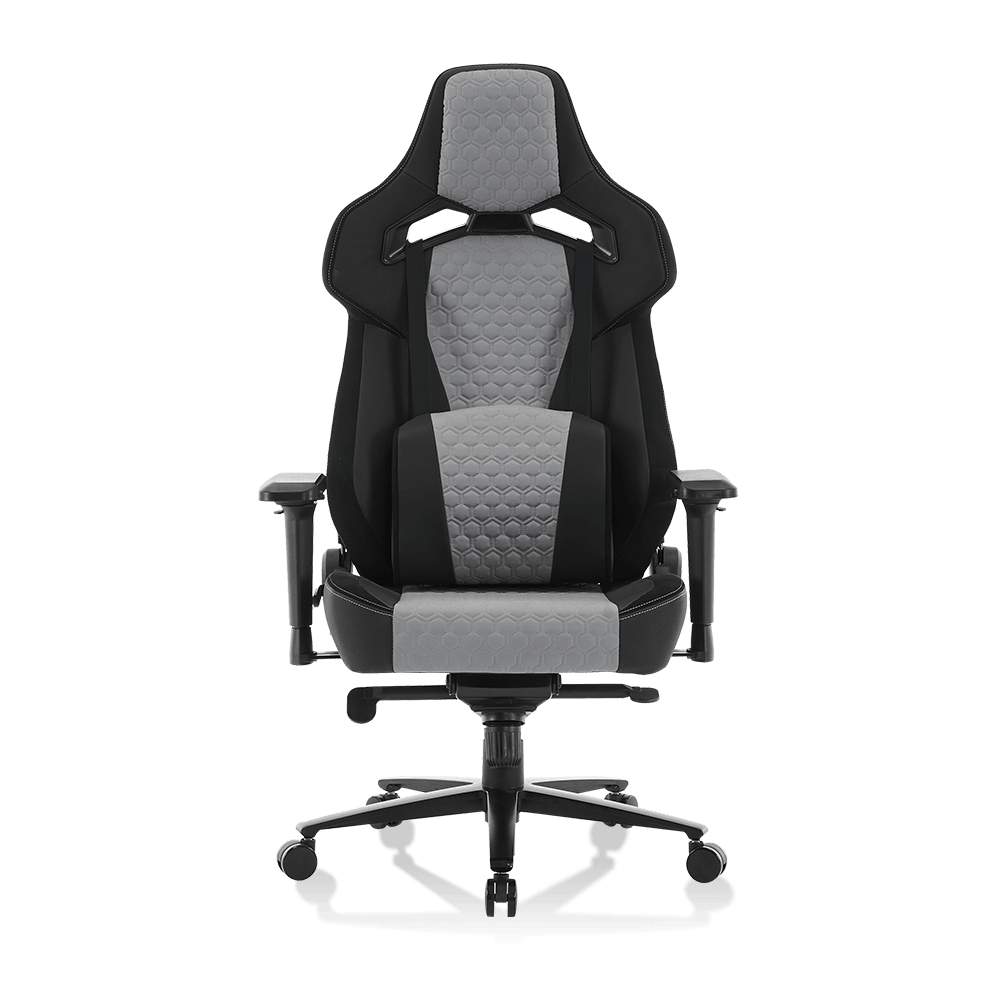

Article Directory
- 1 The Biomechanics of Lumbar Support: Different Approaches
- 2 Seat Pan Design and Pressure Distribution
- 3 Mechanical Adjustability: 4D Armrests and Recline Angles
- 4 Material Science and Thermal Comfort
- 5 Final Verdict: Engineering the Right Choice
In the modern workspace, where sedentary duration often exceeds eight hours per day, the mechanical interface between the human spine and the seating surface has become a focal point of industrial design. Choosing between an office chair gaming chair is no longer just about aesthetics; it is a decision rooted in biomechanics and spinal health. Zhejiang Anji Kechen Furniture Co., Ltd., located in the "Hometown of the World Chair Industry," integrates advanced ergonomics into every unit produced in our 8,000-square-meter facility. This technical analysis explores the anatomical impact of these two seating philosophies to determine which provides superior support for long-duration use.
The Biomechanics of Lumbar Support: Different Approaches
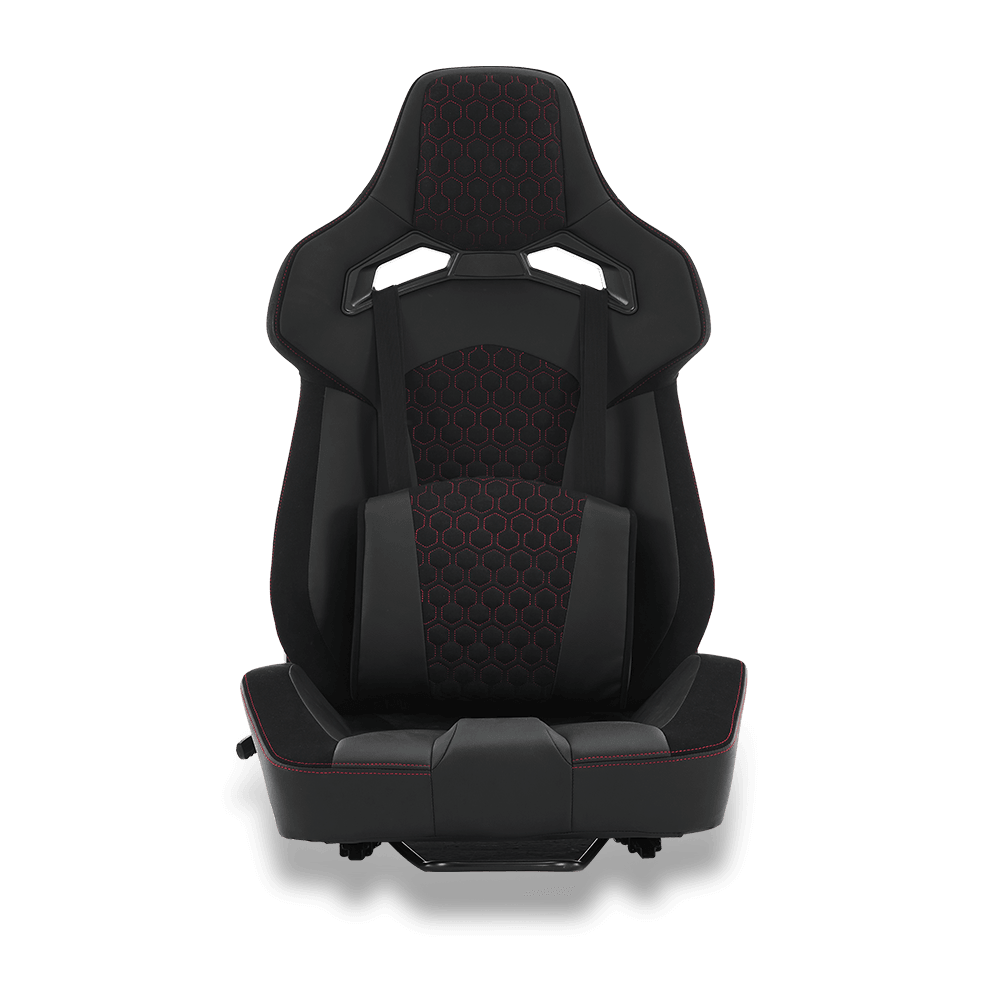
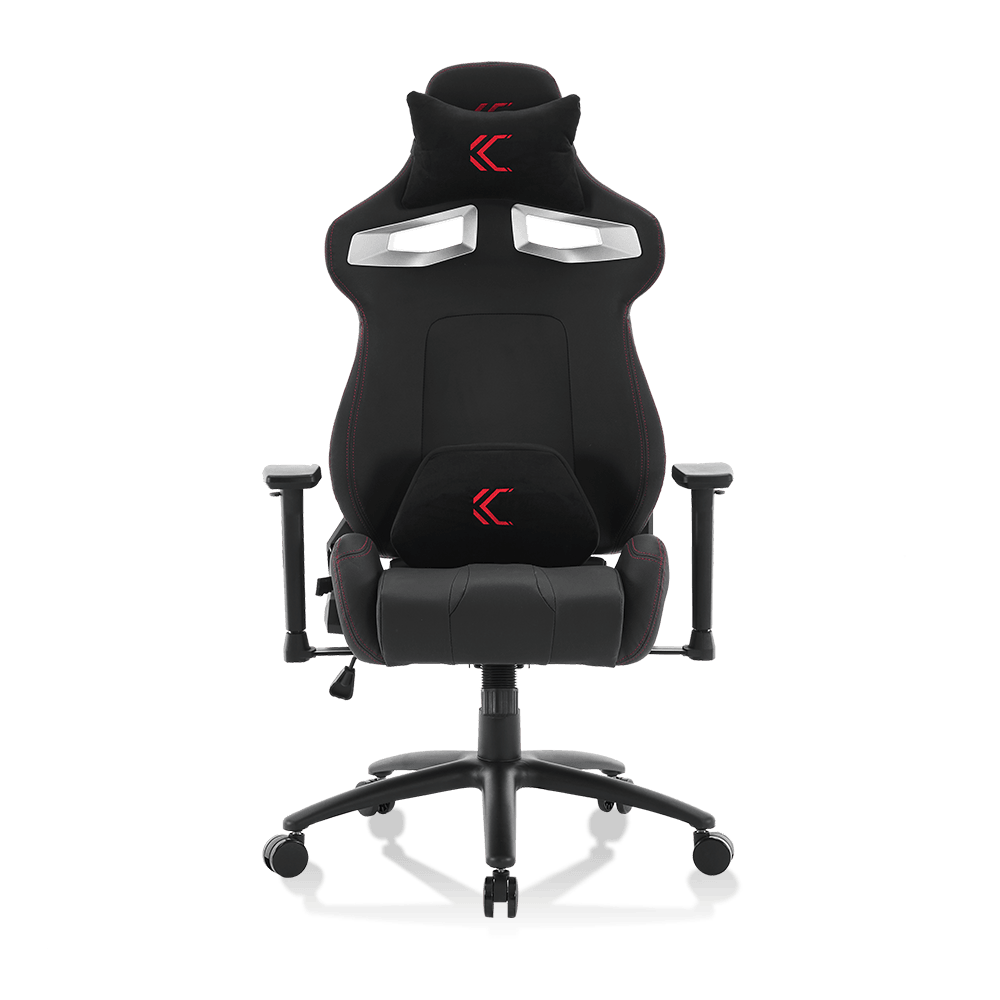
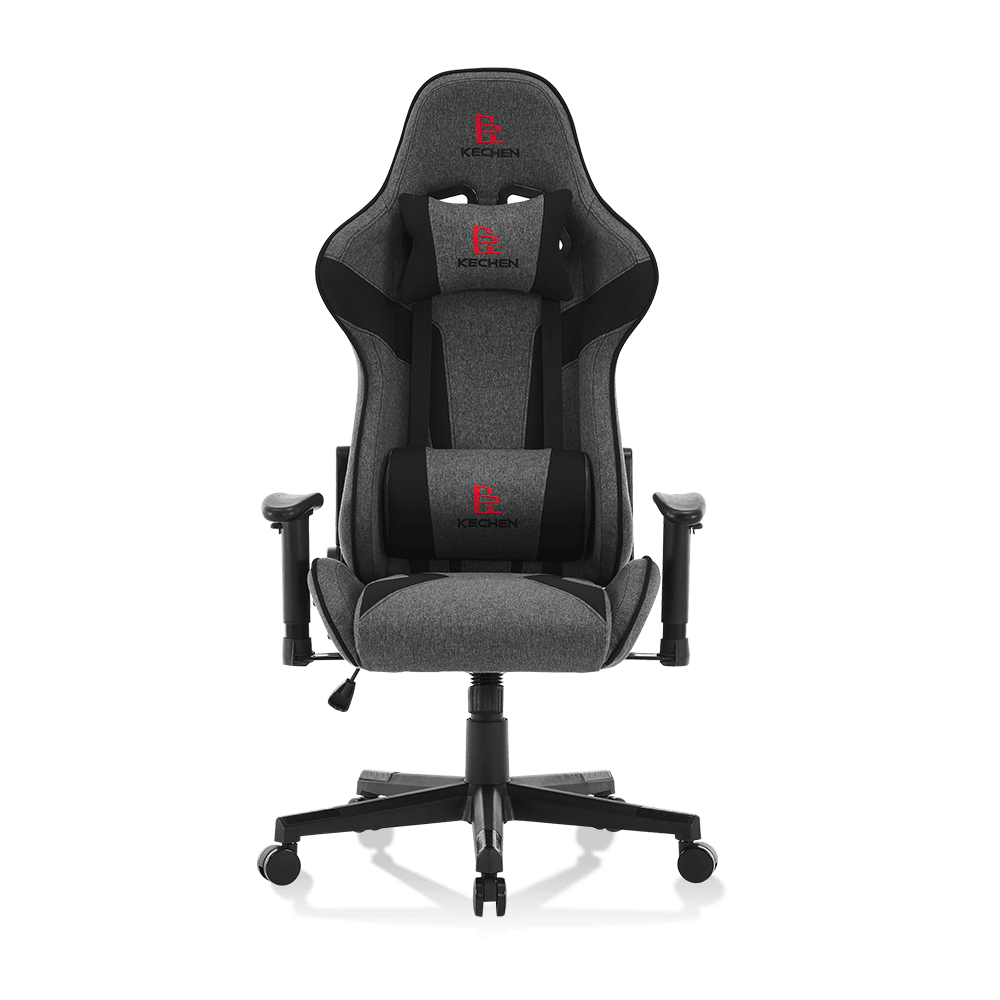
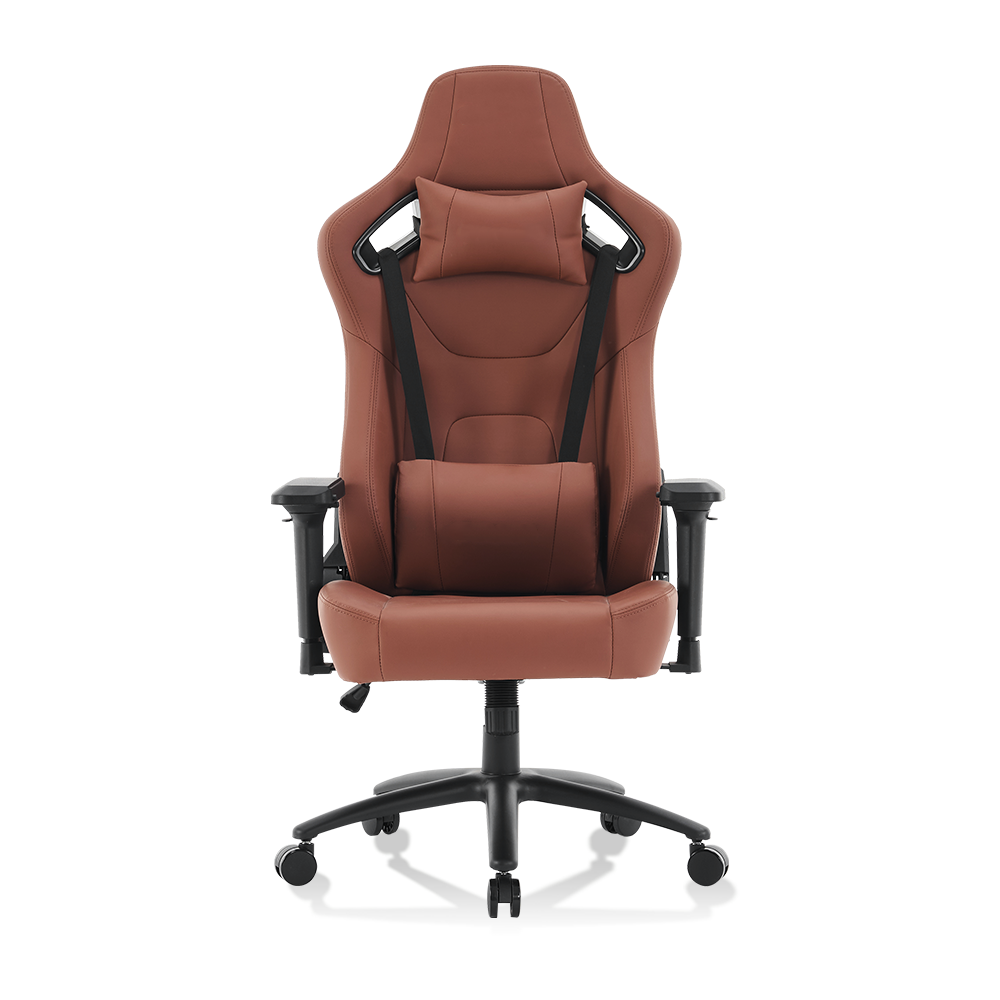
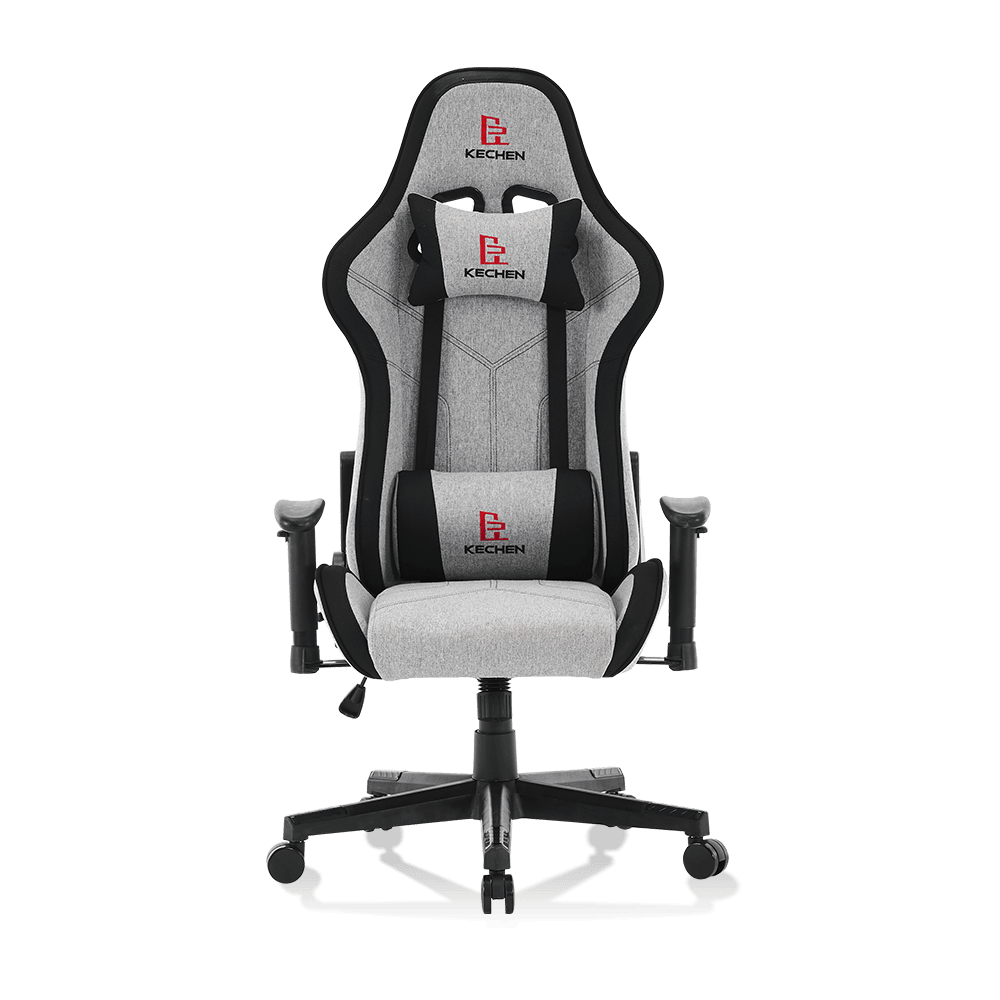
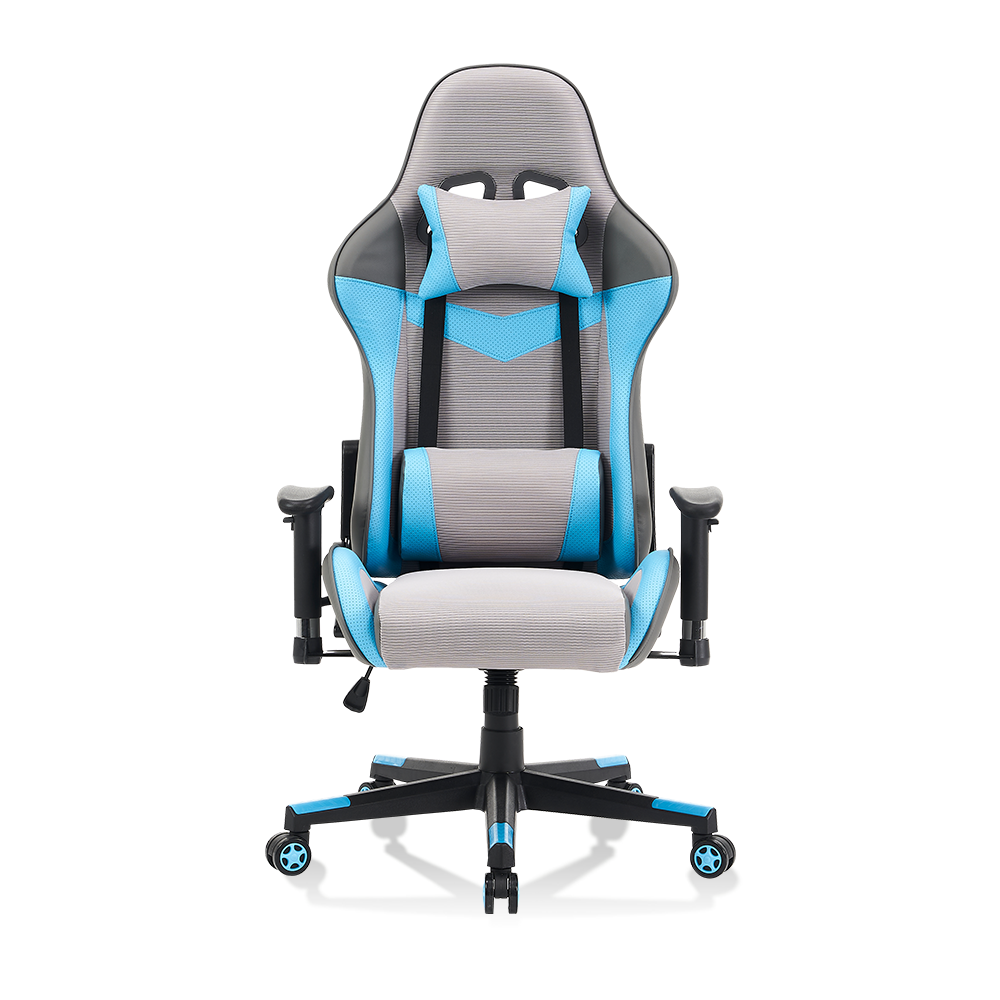
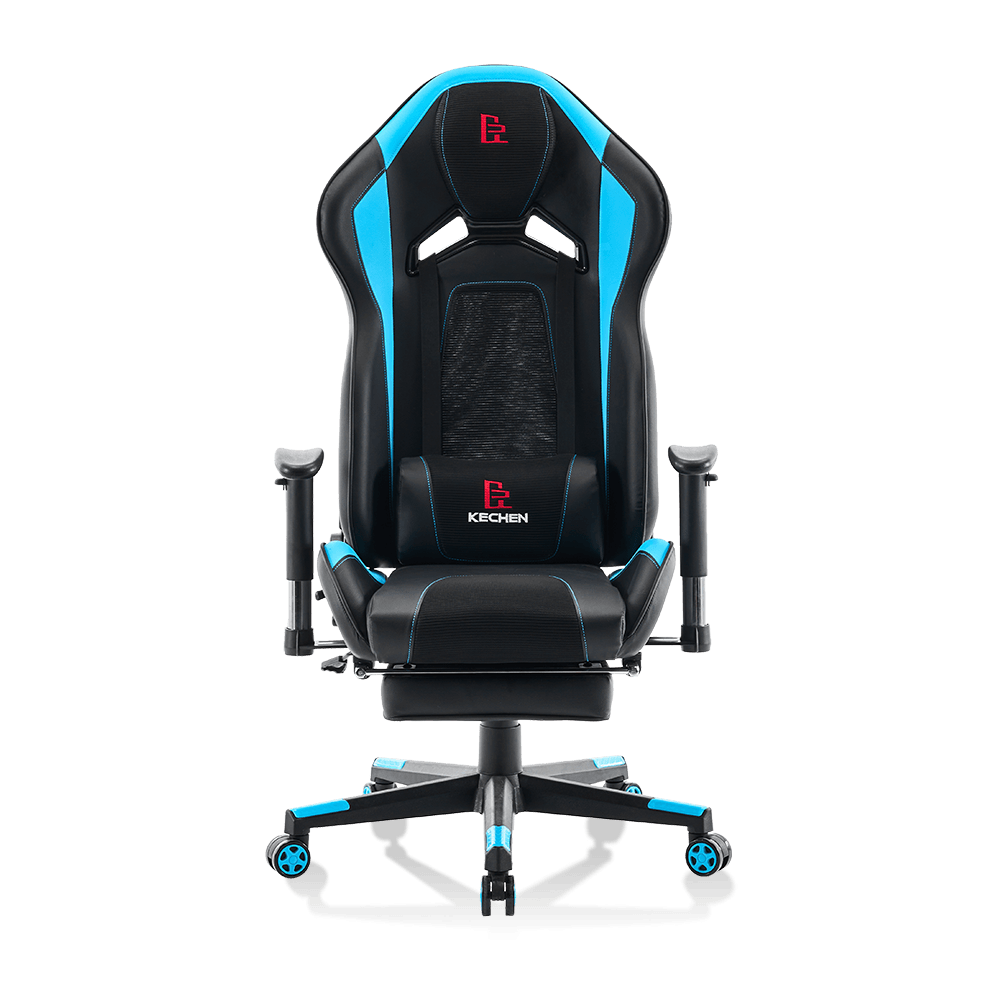
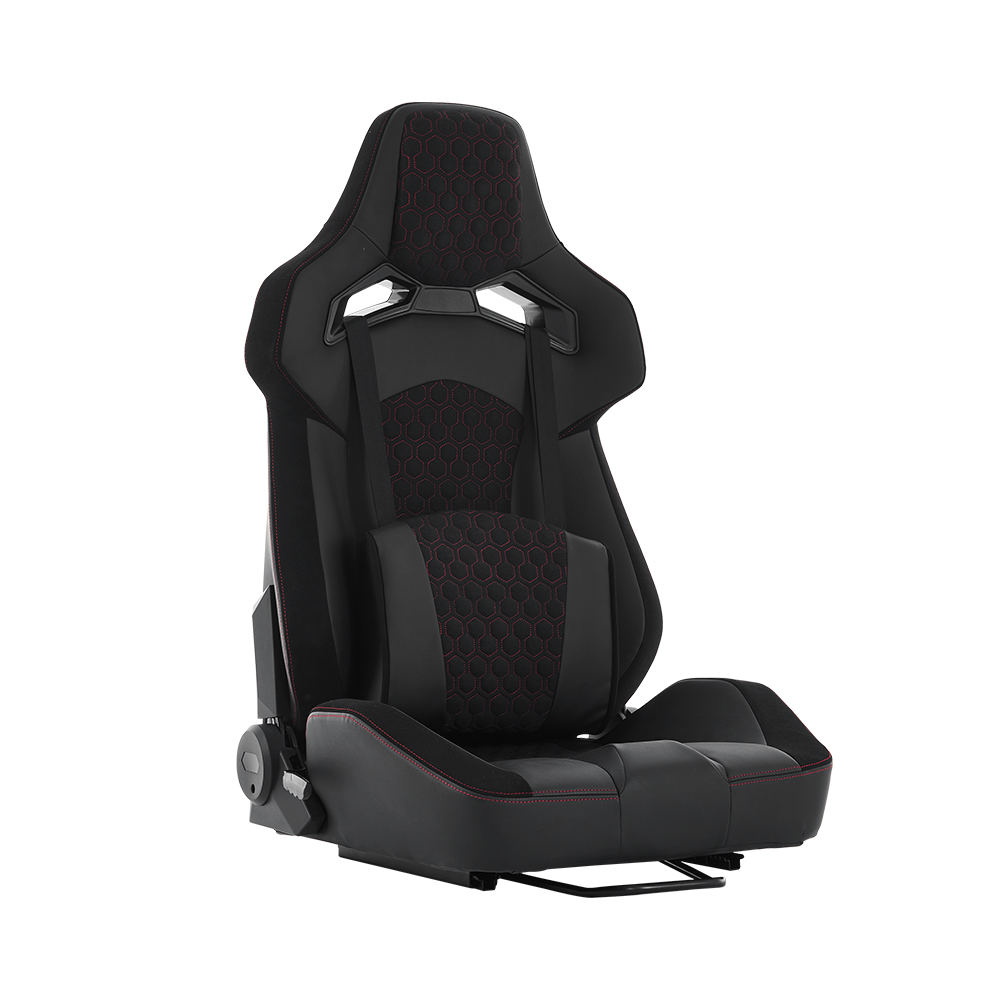
The primary function of any high-quality office chair gaming chair is to maintain the natural "S-curve" of the spine. An ergonomic office chair for back pain typically utilizes a built-in, height-adjustable lumbar system that conforms to the lordotic curve. Conversely, most gaming chairs utilize external pillows, which can vary in density. While the office chair offers a more precise mechanical fit, the gaming chair's high-back design provides better support for the thoracic and cervical regions. Understanding how to adjust a gaming chair for better posture is crucial for users who prefer the bucket-seat aesthetic but require orthopedic-grade support.
Comparison of Lumbar Support Systems
- Office Chairs: Focus on dynamic support that moves with the user's micro-movements.
- Gaming Chairs: Focus on static stabilization, often mimicking the lateral support of racing car seats.
| Support Feature | Ergonomic Office Chair | High-Back Gaming Chair |
| Lumbar Mechanism | Integrated/Internal Tension | External Adjustable Pillows |
| Spinal Alignment | S-curve (Lordosis) Focus | Full-length (Total Column) Focus |
| Posture Flexibility | High (Encourages movement) | Low (Encourages fixed position) |
Seat Pan Design and Pressure Distribution
The best gaming chair for long hours often features a "waterfall" edge or a bucket seat design with high-density foam. However, the pros and cons of gaming chairs for posture include the potential restriction of leg movement due to raised side bolsters. Professional office chairs generally feature a flat or contoured seat pan that allows for varied leg positions, reducing pressure on the popliteal fossa. For users asking is an office chair better than a gaming chair for work, the answer often lies in the breathability of materials. Our R&D center emphasizes mesh and high-spec fabrics to mitigate heat buildup, which is a common gaming chair vs office chair pros and cons factor.
Mechanical Adjustability: 4D Armrests and Recline Angles
Precision in armrest positioning is vital for preventing shoulder strain and carpal tunnel syndrome. A high-spec office chair gaming chair from Kechen Furniture often includes 4D armrests, allowing for height, width, depth, and pivot adjustments. While office chairs prioritize a syncro-tilt mechanism for active sitting, the benefits of a high-back gaming chair include an extreme recline angle (up to 180 degrees), which is excellent for intermittent rest periods. Researching the gaming chair vs office chair for lower back pain reveals that the ability to change angles frequently is the most effective way to prevent static muscle fatigue.
Adjustability Technical Comparison
While office chairs are engineered for task-oriented efficiency, gaming chairs are designed for immersive endurance.
| Adjustment Plane | Task Office Chair | Gaming Chair |
| Recline Range | 90° - 125° (Syncro-tilt) | 90° - 180° (Independent) |
| Armrest Movement | Often 2D or 3D | Commonly 4D (Multi-axis) |
| Headrest | Optional/Adjustable | Integrated/Fixed High-back |
Material Science and Thermal Comfort
The choice between breathable mesh vs leather gaming chair surfaces significantly impacts skin temperature and muscle relaxation. Office chairs frequently utilize mesh to facilitate airflow, which is a major gaming chair feature for back health by preventing the user from shifting into poor postures due to heat discomfort. Gaming chairs often use PU leather for durability and style. At Zhejiang Anji Kechen Furniture, we balance these needs by using premium gaming chair materials for durability that meet international quality testing standards, ensuring long-term cooperative relations with our global partners.
Final Verdict: Engineering the Right Choice
Ultimately, the most comfortable chair for sitting all day depends on the user's specific musculoskeletal needs. If your work involves constant movement and typing, the ergonomic office chair for back pain with dynamic lumbar support is likely the superior choice. However, if you require full-body stabilization and neck support for long gaming or media sessions, the best gaming chair for long hours offers a reinforced frame and cervical support that office chairs often lack. At Kechen Furniture, we ensure that every product, whether for the office or the gaming room, is based on ergonomics and careful manufacturing.
Frequently Asked Questions (FAQ)
1. Why do gaming chairs have such high backs?
The high-back design is a key gaming chair feature for back health as it supports the entire spinal column, including the neck and head, which reduces the load on the upper trapezius muscles during long sessions.
2. Is mesh better than foam for long-term sitting?
Mesh is superior for thermal regulation, while high-density foam (often found in the best gaming chair for long hours) provides better pressure distribution. Kechen Furniture offers both to meet diverse customer demands.
3. Can I use a gaming chair as a professional office chair?
Yes, many users find the benefits of a high-back gaming chair suitable for the office, especially those who require more shoulder and neck support than a standard task chair provides.
4. How often should I adjust my chair's settings?
To prevent lower back pain, you should utilize your chair's recline and height adjustments every 30 to 60 minutes to encourage blood flow and reduce static muscle load.
5. What makes Anji Kechen chairs different from others?
Our chairs are designed by a specialized R&D center with several utility model patents. We control the full product chain from industrial design to quality testing, ensuring ergonomics and practicality are never compromised.
Industry References
- ISO 9241-5: Ergonomic requirements for office work with visual display terminals - Part 5: Workstation layout and postural requirements.
- BIFMA X5.1: General-Purpose Office Chairs - Tests.
- "The Effect of Chair Design on Pelvic Tilt and Spinal Curves," Journal of Physical Therapy Science.
- "Comparison of Lumbar Support in Ergonomic vs Racing-Style Seating," International Journal of Occupational Safety and Ergonomics.